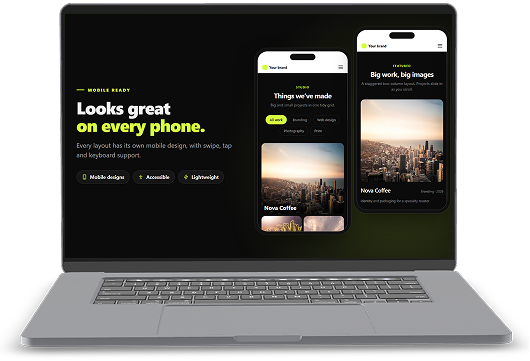
Stop using boring static images. Four modern gallery layouts with interactive browsing, already set up for GoHighLevel. Available on the GHL Marketplace under Widgets.
$10*
Buy Now

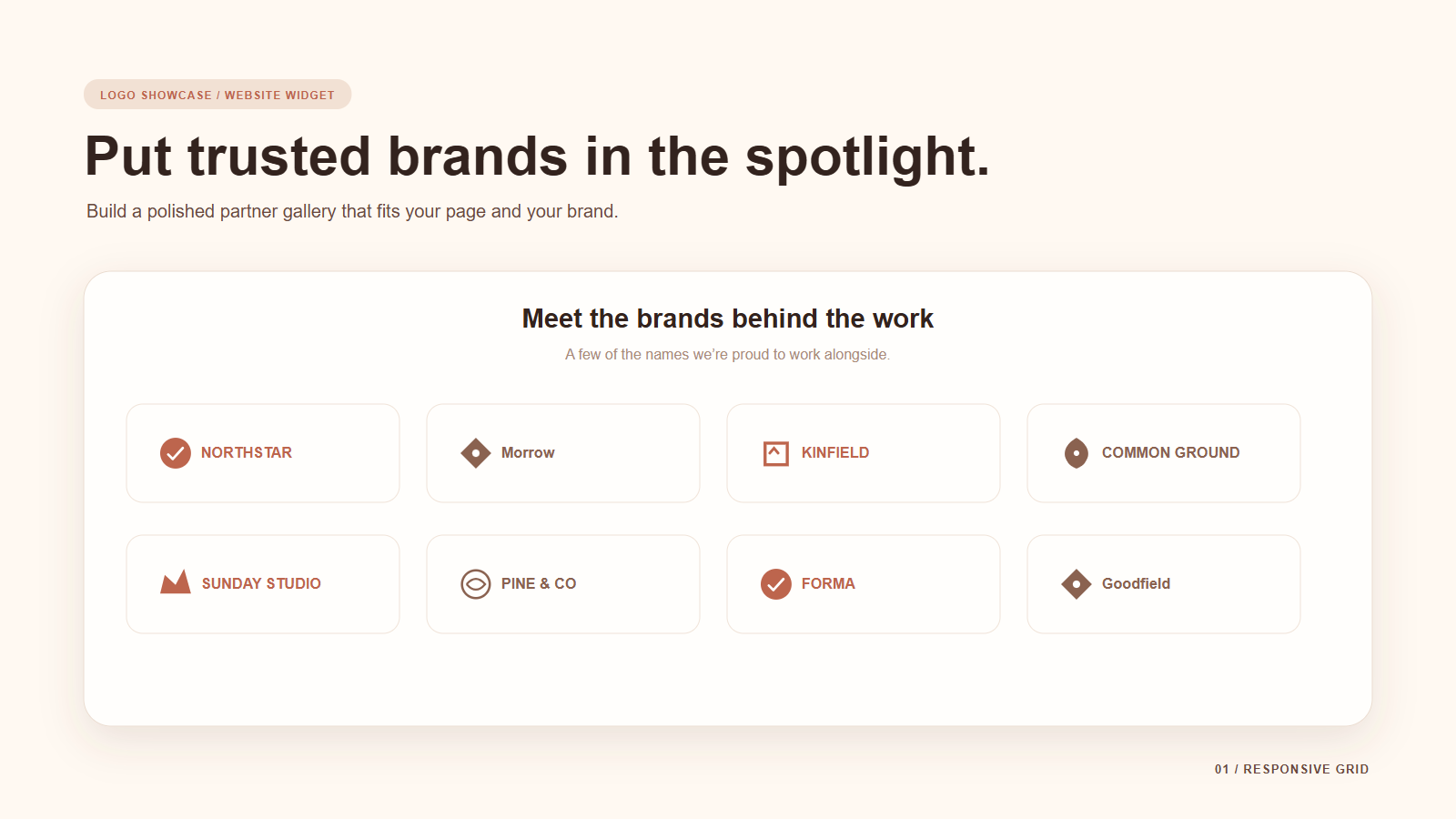
Show off client, partner, sponsor, and brand logos in stunning sections. Select from 8 flexible layouts and 20 pre-loaded presets, customize all the details, and build trust with visitors without writing a line of code.
16 People are viewing this Right Now!
 No Code Setup
 Responsive Design



 GoHighLevel


People tend to prefer to work with a business that they already know, trust, and has familiar clients before they commit to engaging in any services. But basic logo parts can feel outdated, have limited customizability, and not showcase key partnerships well.
With Logo Showcase, you can visually showcase logos of clients, partners, sponsors, and brands in professionally designed sections that seamlessly integrate with your website and funnels. Organize logos, highlight important brands, and customize their appearance to create a polished experience that builds credibility and trust.
Display logos in various sizes and styles appropriate to your web and content. Select one of eight flexible layouts to arrange brand imagery and to easily see your partnerships.
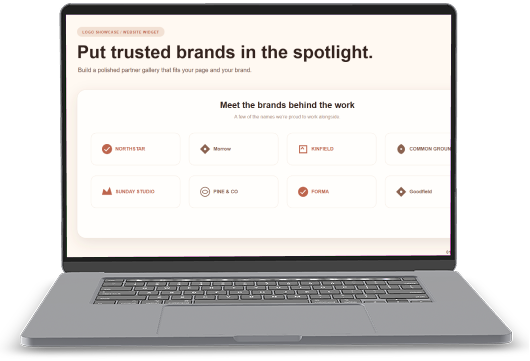
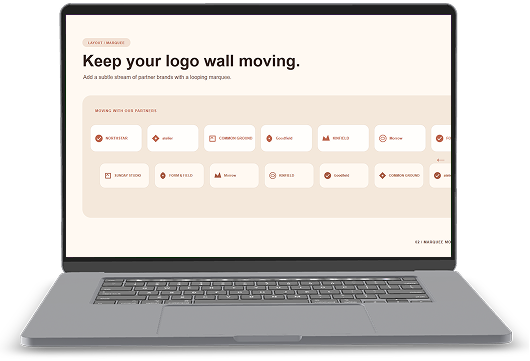
Organize your brand display with easy logo management. Include images, personalize each logo, and manage how they are viewed by visitors.
Design logo sections that match seamlessly with your site design. Record pre-made layouts, style, and motion to fit your brand.
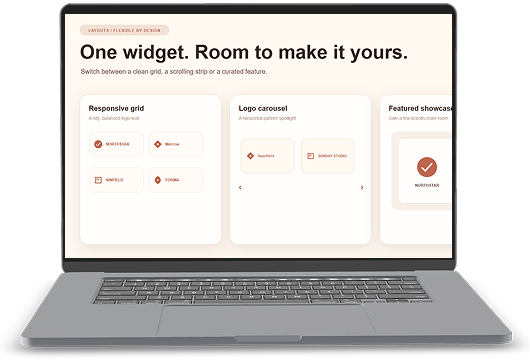
Upload logos, customize their look, and publish without coding.
Step : 1
See the results of your changes instantly with a live preview and adjust the carousel navigation, arrows, dots, and animations.
 Step : 2
Add logos, captions, categories, links, and all other details using the built-in uploader. You can also upload dark-background versions.
 Step : 3
Select from 8 layouts and 20 ready-made presets. Adjust logo sizes, colours, spacing, card styles, animations, and responsive settings.
 Step : 4
View your logo section on desktop, tablet, and mobile using the live preview. Make your final adjustments and publish it on your website or funnel.
Looking for the right tools to improve your business website? Pennine Technolabs brings practical solutions that help businesses create better digital experiences. Our Reviews Speak Louder!!

Using Pennine's tools for our account at GoHighLevel has been really helpful, the features are great and easy to use and they are saving time in our daily work.
A good set of helpful tools for GoHighLevel. The setup is simple, and solutions are working to help our workflows without any complexity.
We appreciate simplicity & value of Pennine's marketplace products. They offer good features that make customizing and managing our projects more easier.
I had a fantastic experience! They were incredibly easy to deal with and always quick to respond and very efficient. The entire process was smooth and hassle-free, making everything so much easier.
We had an amazing experience with Pennine; their professional and knowledgeable team delivered beyond our expectations. They understood our requirements perfectly and provided innovative solutions. Highly recommended!
A Logo Showcase Widget is a part of websites that enables companies to showcase their client, partner, sponsor, affiliate, and brand logos in structured and attractive formats. It assists in establishing credibility by showcasing the brands and partnerships associated with a business.
Logo Showcase comes with 8 layouts: Responsive Logo Grid, Flexible Row, Scrolling Marquee, Carousel, Brand Wall, Featured Logo Grid, Directory, Editorial Split. There are different ways to present brand logos in each layout.
Yes. Logos can be uploaded, dark background versions added, captions, categories, and clickable links can be added. Logos can also be reordered, selected logos can be featured, individual logos can be manipulated in size, and link behaviour can be controlled.
Yes. The Directory layout also includes category filters, so that visitors can view the logos by category. You can include a load-more button to show more logos.
Yes. There are 20 pre-made presets to choose from, and you can edit colours, typography, card styles, image treatment, hover effects, spacing, logo sizes, and corner radius to fit your website.
Stop using boring static images. Four modern gallery layouts with interactive browsing, already set up for GoHighLevel. Available on the GHL Marketplace under Widgets.
 Rating:5
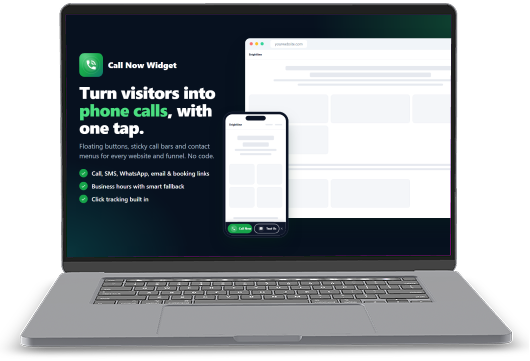
Turn website visitors into phone calls with one tap. A clear, good-looking call button for your GoHighLevel websites and funnels, no code required. Available on the GHL Marketplace under Widgets.
Turn website visitors into phone calls with one tap. A clear, good-looking call button for your GoHighLevel websites and funnels, no code required. Available on the GHL Marketplace under Widgets.
Rating:5
Turn website visitors into phone calls with one tap. A clear, good-looking call button for your GoHighLevel websites and funnels, no code required. Available on the GHL Marketplace under Widgets.
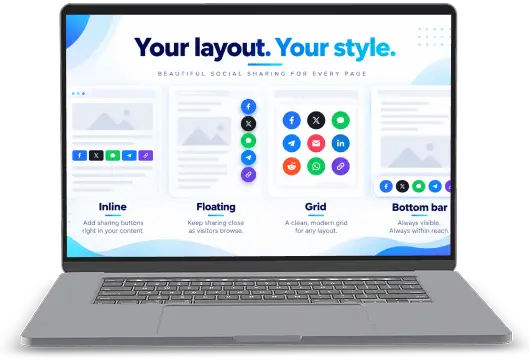
Simplify the process for visitors to share your website pages via social media, messaging services, email, and more. Select from 10 flexible layouts and 24 pre-made presets, then edit each one to suit your brand and make the sharing experience yours.