Special offer - save up to 40% off on funnel kit.

| Limited time Deal:

01Day
23Hour
55Min
20Sec
New Widget

GoHighLevel Call Now Widget

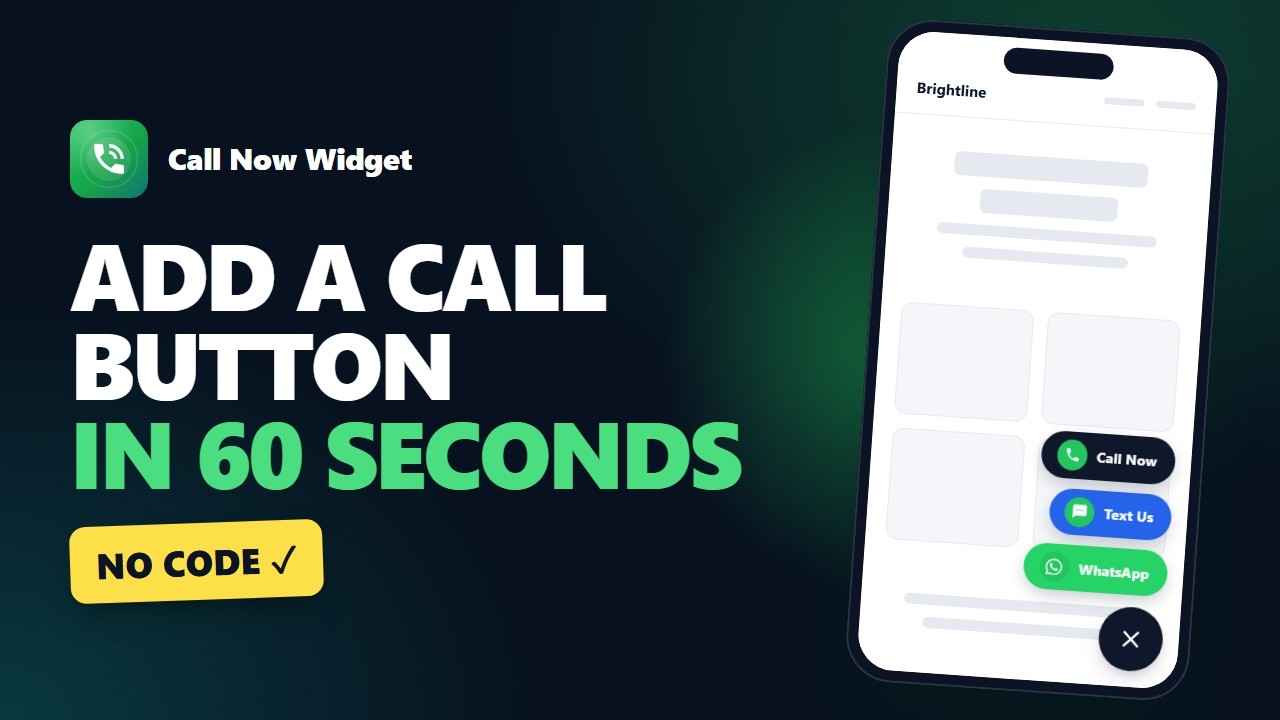
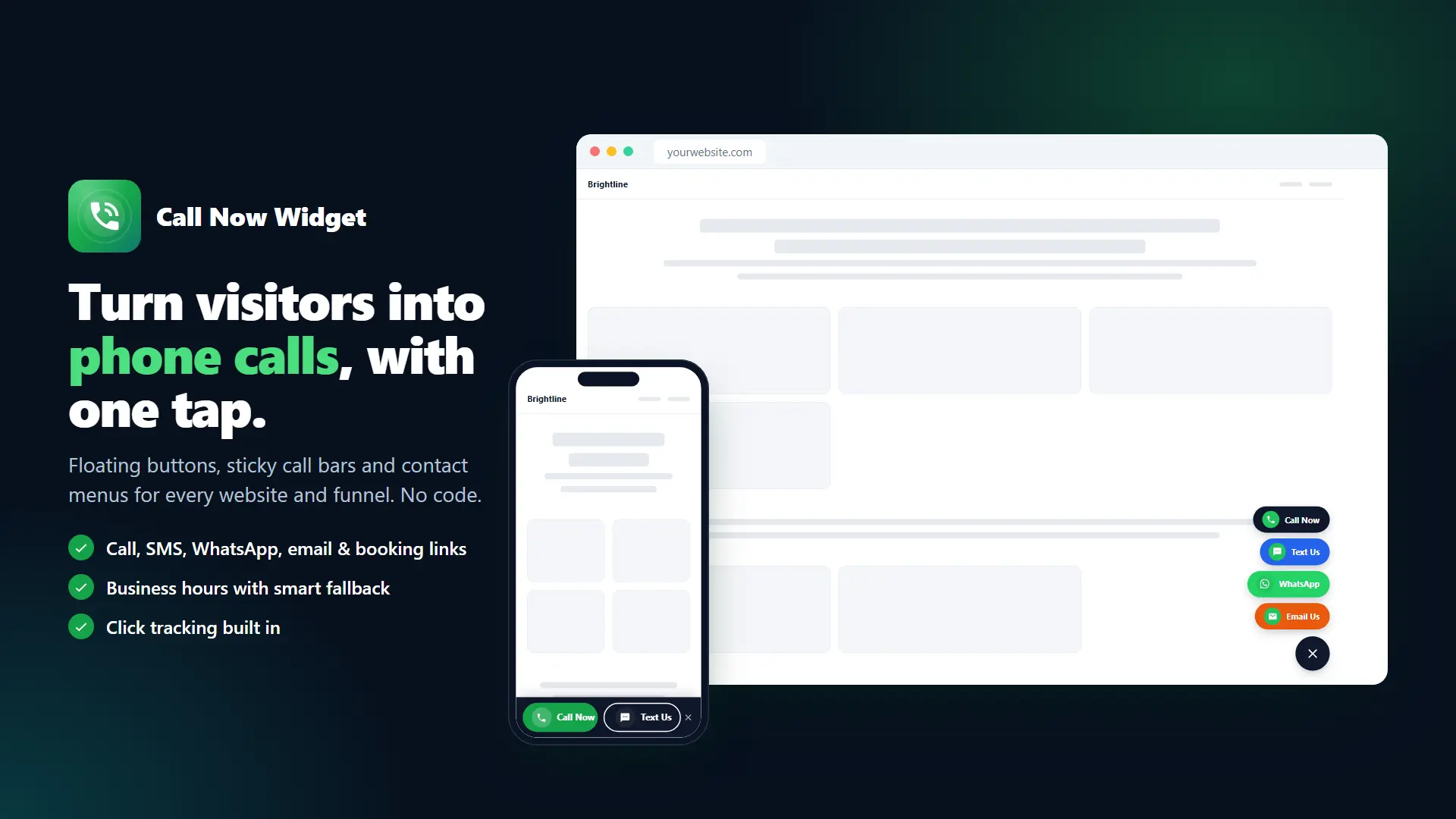
Turn website visitors into phone calls with one tap. A clear, good-looking call button for your GoHighLevel websites and funnels, no code required. Available on the GHL Marketplace under Widgets.

$10*
Install Call Now

16 People are viewing this Right Now!

  • Ready to Install
  • Lifetime updates

At a Glance

Best For

  • Digital Marketing Agencies
  • Professional Services
  • Services Based Agencies

Alternatives

  • Hiding the phone number
  • Basic text links
  • Custom-coded call buttons

Integration

GoHighLevel
API Integration

Key Features

  • 5 flexible layouts
  • Multi-channel contact options
  • Business hours & status
  • Attention-grabbing designs
  • Meta Tracking
  • Click tracking to GA4
Call Now Widget Tutorial – Turn Website Visitors into Phone Calls

Stop Losing Active Leads Who Want to Directly Talk

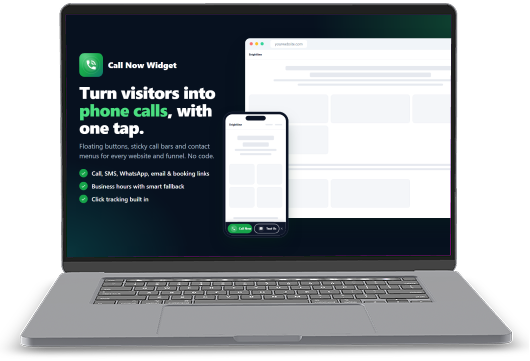
Most visitors who are ready to call will not hunt for your phone number. They leave instead. Call Now Widget puts a clear, professional call button on every page so your hottest leads can reach you in one tap. Add the widget, choose a design, enter your number, and publish.

A live preview shows every change, and all settings are saved when you reopen it. No code. No external tools. Just more conversations.

Five Layouts That Fit Any Page

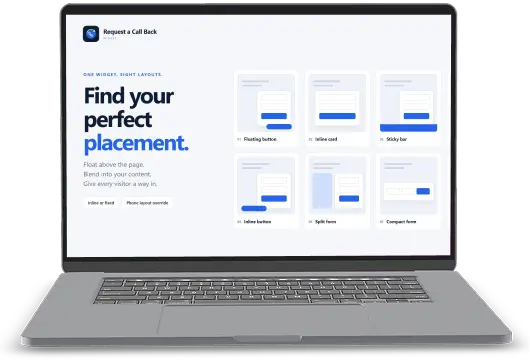
Different pages and devices need different approaches. Call Now Widget gives you five options so the call button feels natural wherever it appears.

  • Floating button - Icon only, icon + text, or expands on hover.
  • Sticky call bar - Top or bottom bar with a message and buttons.
  • Inline button - Place “Call Now” buttons anywhere on the page.
  • Contact card - Heading, short text, large phone number.
  • Side tab - A slim tab that sits on the left or right edge of the screen.
GHL Call Now Widget
GHL Call Now Widget

More Than Just a Phone Button on Website

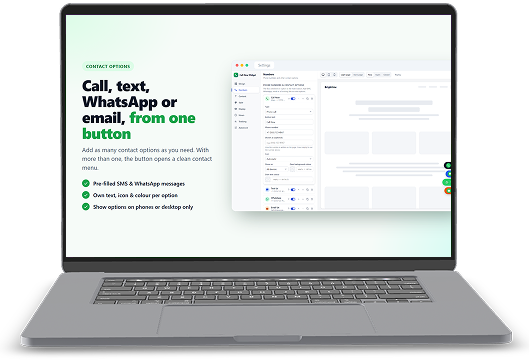
Add as many contact options as you need: phone call, SMS, WhatsApp, email, or a link to your booking page or form. On the desktop, choose what a click does: open the dialler, show a popup with your number and a “Copy number” button, or copy the number instantly.

  • SMS, WhatsApp and email can be pre-filled (including the page the visitor is currently on).
  • Each option has its own text, icon, colours and device rules.
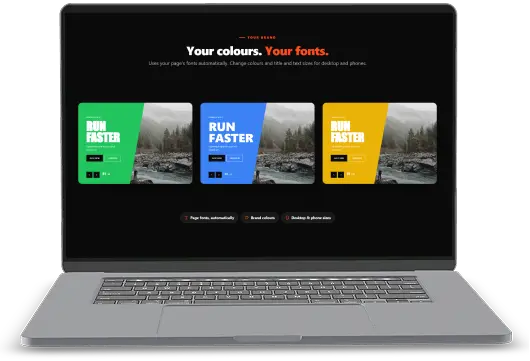
  • Add several options, the floating button opens a clean contact menu using your brand colours, custom colours, or an outline style.

Respect Business Hours Automatically

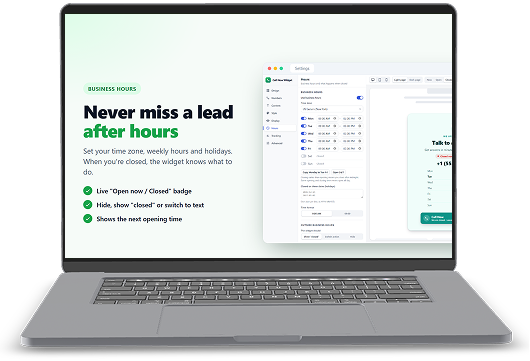
Set your time zone, opening hours for each day, late nights and holidays. The contact card displays a live status such as “Closed now · Opens tomorrow 9:00 AM”. When you are closed the widget can:

  • Show a clear “closed” message
  • Switch the main button to Text Us, WhatsApp, email or your booking page
  • Hide completely until you open again
GHL Call Now Widget
Setup Process

From Marketplace to Live in Four Steps

  1. Step : 1

    Install from the Marketplace

    Find Call Now Widget under Widgets on the GHL Marketplace and install it to your agency or sub-account.

  2. Step : 2

    Add It to Any Page

    Open a funnel or website, go to Add Element → Widgets, and place Call Now Widget where you want it.

  3. Step : 3

    Configure Design, Numbers & Hours

    Choose a layout, enter your phone number and other contact options, set business hours, pick colours and animations. Use the live preview (desktop / tablet / phone) to check everything.

  4. Step : 4

    Publish

    The widget is live. Visitors can call, text or message you in one tap.

What Our Customers Say

See how our solutions help businesses save time and make everyday tasks easier.

5 out of 5 stars

Using Pennine's tools for our account at GoHighLevel has been really helpful, the features are great and easy to use and they are saving time in our daily work.

Alex Morgan

Agency Owner
5 out of 5 stars

A good set of helpful tools for GoHighLevel. The setup is simple, and solutions are working to help our workflows without any complexity.

Daniel Carter

Marketing Consultant
5 out of 5 stars

We appreciate simplicity & value of Pennine's marketplace products. They offer good features that make customizing and managing our projects more easier.

Sarah Mitchell

Business Owner
5 out of 5 stars

I had a fantastic experience! They were incredibly easy to deal with and always quick to respond and very efficient. The entire process was smooth and hassle-free, making everything so much easier.

Jack Fricker

Owner
5 out of 5 stars

We had an amazing experience with Pennine; their professional and knowledgeable team delivered beyond our expectations. They understood our requirements perfectly and provided innovative solutions. Highly recommended!

Colleen Nagle

CEO

Have Questions for Widget?

Yes. You can set one layout for the desktop (for example, an inline button or floating button) and a completely different layout for phones (such as a sticky bottom call bar). The widget also lets you show or hide specific contact options by device, so the experience stays clean and relevant on every screen size.

You can set your time zone, daily opening hours, late nights and holidays. When closed, the widget can display a clear “closed” message, switch the main button to Text Us / WhatsApp / email / booking page, or hide completely until you reopen. 

Yes. Every call, SMS, WhatsApp, email or link click can be sent to Google Tag Manager, Google Analytics 4, the Meta Pixel (Contact event), or any custom webhook. This lets you see which pages and campaigns generate real conversations, trigger automations, or alert your team in real time.

Book a Setup Call via Call Now

Contact Us