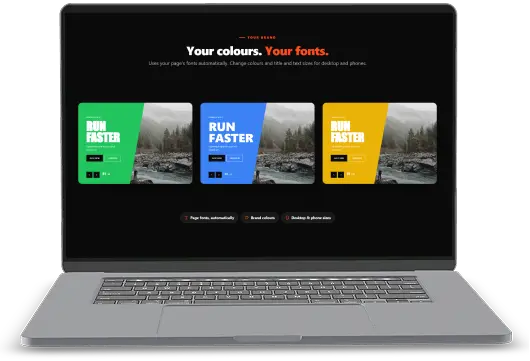
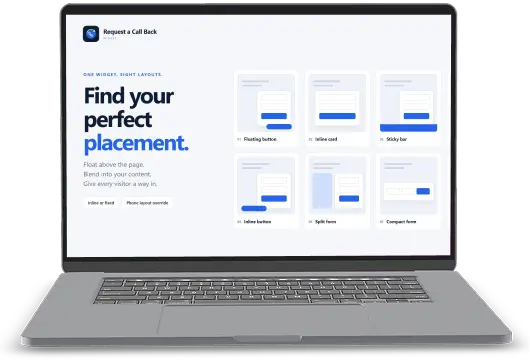
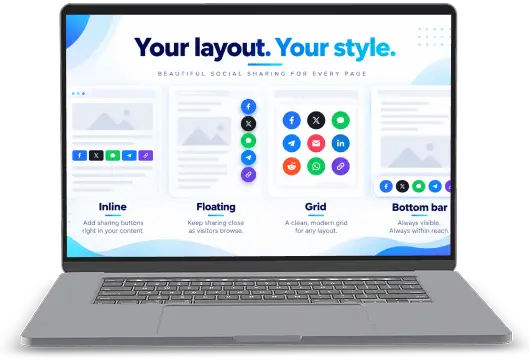
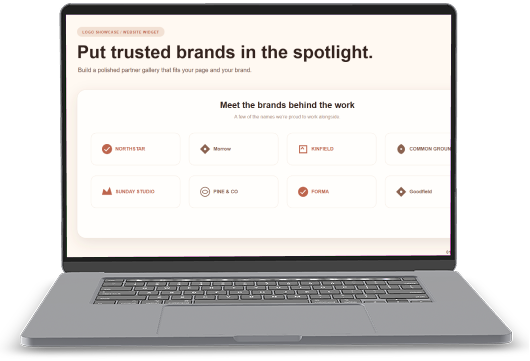
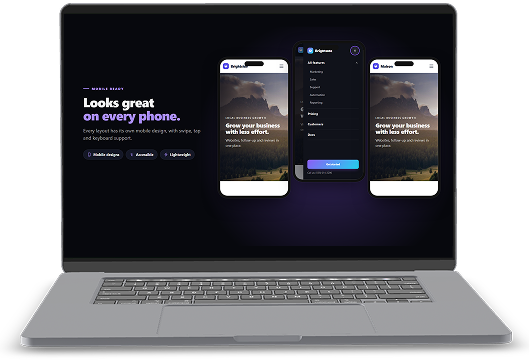
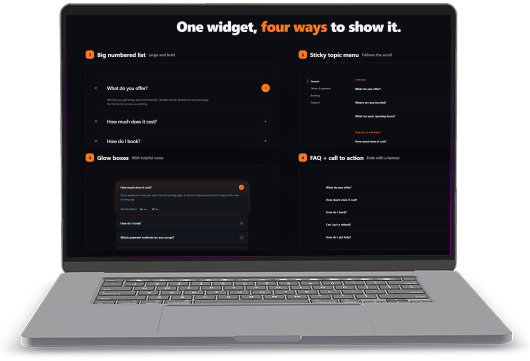
Create eye-catching hero sections with image and video backgrounds that capture visitors' attention. Select from 4 unique layouts, add headlines and call-to-action buttons to slides, and create responsive banners using the simple visual editor.
HighLevel Smart Pricing Cards
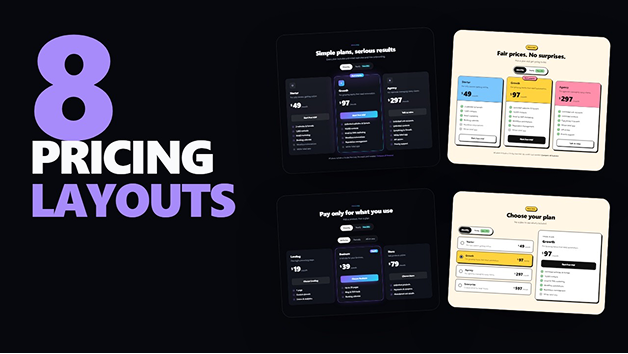
Make professional pricing tables available for easy comparison of plans. Pick from 8 adaptable plans, feature special offers, include monthly and yearly pricing options, and change any detail to fit the brand without coding anything.
16 People are viewing this Right Now!
At a Glance
Best For
- SaaS Businesses
- Membership Platforms
- Digital Marketing Firms
- Subscription-Based Businesses
Alternatives
- Static Pricing Tables
- Manually Designed Pricing Sections
- Basic Pricing Comparison Widgets
Integration
GoHighLevel
Key Features
- 2 Visual Design Styles
- 8 Flexible Pricing Layouts
- Multiple Pricing Tables
- 2-5 Plans Per Table
- Feature Comparison
- Ready-Made Design Presets
- Featured Plan Highlights
- Custom Pricing & Discount Labels
- Monthly & Yearly Pricing Toggle

Make Every Pricing Plan Easier to Compare
Without the ability to easily see the distinctions between pricing plans, it is hard to select the ideal one. Static pricing tables may not be as flexible, easy to compare, or attractive for highlighting special offers.
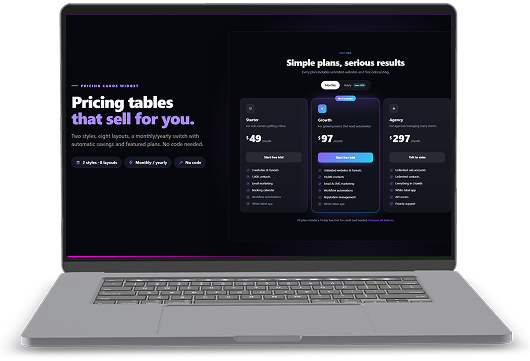
Using Smart Pricing Cards, you can generate professional pricing sections to help users explore and compare plans more easily. Emphasize suggested choices, show monthly and yearly costs, show included features, and customize the design to assist visitors in making informed decisions.

8 Layouts for Every Pricing Presentation
Present your pricing plans in different styles to suit your services and website design. Select from two visual styles and eight layouts to build pricing areas that match your company's needs.
- Glow Cards & Colour Blocks: Show plans in fascinating cards in dark glowing or bright colours.
- Tabbed Product Groups: Organize different services or product pricing options into separate tabs.
- Spotlight Plan: Highlight your suggested pricing solution by giving it more visibility with a featured layout.
- Expandable Features: Allow visitors to click on more information about the plan when needed.
- Plan Picker & Tilted Cards: Provide interactive plan selection and a live summary, or use angled card designs.


Build Flexible Plans and Highlight Better Offers
Develop pricing structures that are based on services provided, payment terms, and promotions. Structure the information in a plan, and make key pricing information readily understandable to visitors.
- Multiple Pricing Tables: Set up different tables for various services, campaigns, and website pages. Control them all from a single screen.
- Flexible Plans: Create two to five plans on each table, customize their names, descriptions, and pricing, as well as their currency and billing periods.
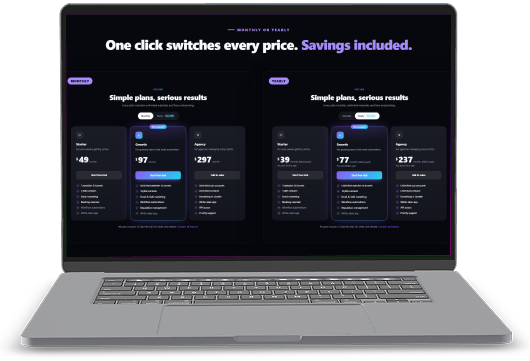
- Monthly & Yearly Pricing: Add a pricing toggle with custom labels, and auto-calculate yearly savings.
- Promotional Highlights: Show old prices, discount labels, savings badges, and feature plan badges with custom text.
- Feature Comparison: Show included and excluded features using checkmarks or custom icons, with an option to reveal all features.
Customize Every Detail to Match Your Brand
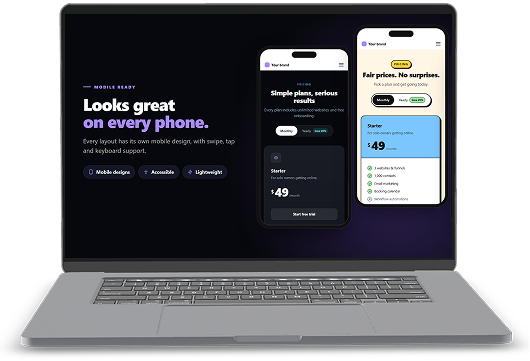
Create pricing tables that fit in with your website. Work with ready-made styles, adjust individual style components, and customize the look of your pricing sections on various devices.
- Switch between Midnight and Bold styles and try out eight layouts without losing plans.
- Choose pre-defined styles or create custom styles for colors, fonts, spacing, borders, shadows, and button styles.
- Use existing page fonts automatically or select your own, with separate title and text sizes for desktop and mobile.
- Add, duplicate, reorder, or delete plans and features in the visual editor.
- View pricing tables on desktop and mobile, control device visibility, and use export, import, and custom CSS options.

From Pricing Setup to Live Plans in 4 Simple Steps
Create your plans, customize their appearance, and publish with ease.
-
Step : 1
Add the Smart Pricing Cards Widget
Put the widget on your website or funnel page and click on its settings.
-
Step : 2
Create Your Pricing Plans
Include plan names, descriptions, pricing, billing periods, features, and CTA buttons. It is possible to establish different tables for diverse services too.
-
Step : 3
Choose a Layout and Customize
Choose from two design styles and eight layouts. Change the color, font, spacing, featured plans, discounts, and monthly or yearly pricing.
-
Step : 4
Preview and Publish
Look at your pricing table on your desktop, tablet, and mobile. Finalize your layout, choose the table you wish to share, and publish it to your website or funnel.
What Our Customers Say
See how our solutions help businesses save time and make everyday tasks easier.
FAQs on Smart Pricing Cards
Smart Pricing Cards is a customizable price table widget for businesses to show services, subscription plans, memberships, and one-time offers in an easily understood and responsive format. This helps visitors easily understand the price and what is covered in each plan.
There are two visual styles (Midnight and Bold) and 8 layouts in Smart Pricing Cards. These include Tabbed Product Groups, Spotlight Plan, Expandable Features, Colour Blocks, Plan Picker, Tilted Cards and Price List, as well as Glow Cards.
Yes. Manage and create several pricing tables through a single dashboard. Each widget can show a different table for a URL or a specific funnel page.
It is possible to make two to five plans per pricing table. Custom names, descriptions, pricing, currency, billing periods, feature lists, badges, and CTA buttons are all supported by each of these plans.
Yes. You can add a monthly/yearly pricing toggle with custom labels. The widget also includes an automatic yearly savings calculation and a helper for setting yearly pricing at 80% of the monthly rate multiplied by 12.