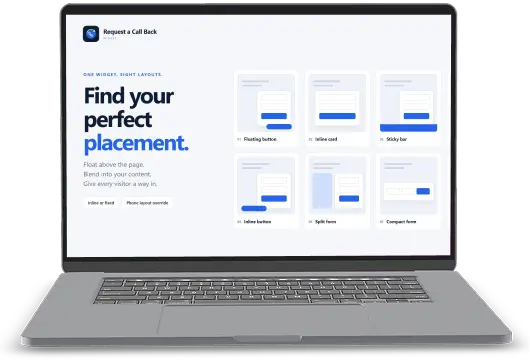
Allow visitors to easily request a callback without calling your business directly. Select from 8 flexible layouts and 32 pre-designed presets, build your own form, and collect callbacks in your own GHL workflow.
$10*
Buy Now

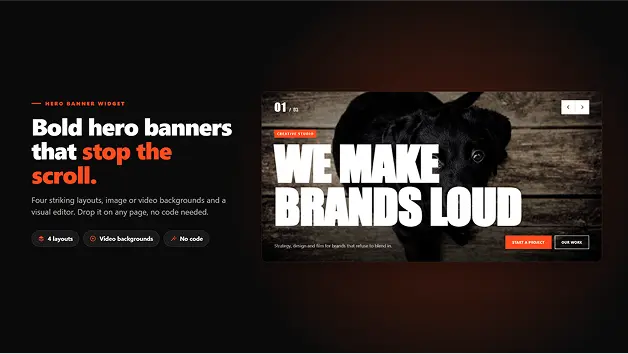
Create eye-catching hero sections with image and video backgrounds that capture visitors' attention. Select from 4 unique layouts, add headlines and call-to-action buttons to slides, and create responsive banners using the simple visual editor.
16 people are viewing this right now
 No Code Setup
 Lifetime Design Updates



 GoHighLevel


The hero section of your website is the first thing that visitors will see. If pages are using static banners and simple sliders, this makes them less engaging and restricts the ability to present your services, products, or offers.
With Hero Banner, you can create visually engaging openings using images, videos, bold headlines, and call-to-action buttons. Select an appropriate layout, personalize each slide, and design a responsive hero experience to inspire visitors to keep exploring.
Display your content in unique formats that will provide your website with a more visual opening. Take advantage of four different designs to develop hero sections that are aligned with your brand and messaging.
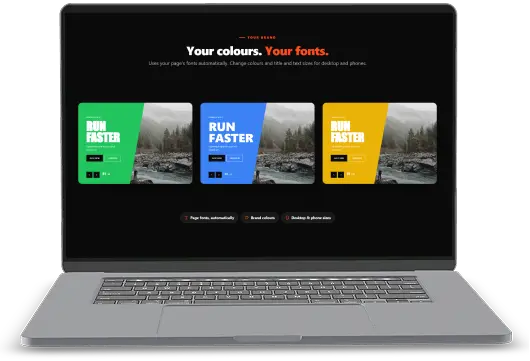
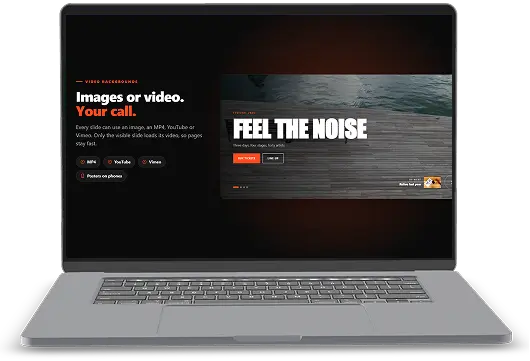
Discover how to combine visual content with meaningful messages to make hero banners that grab attention. Manage slides easily and control how media appears and plays.
Create a banner design that matches the design of your website. Make typography, color, media, and responsive layout adjustments and preview changes.
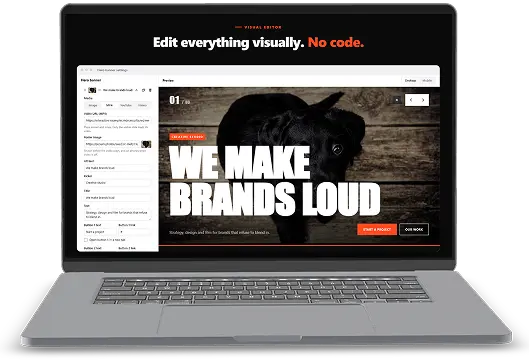
Choose a layout, add media, customize, and publish.
Step : 1
Install the widget on your website or funnel page and go to its visual editor.
 Step : 2
Choose from 4 layouts and add the images, videos, or background media that you like.
 Step : 3
Include headlines, descriptions, and CTA buttons. Adjust fonts, colors, overlays, heights, and responsive settings.
 Step : 4
Go through your banner on desktop and mobile, do the final fixes, and publish it on your website or funnel.
Looking for the right tools to improve your business website? Pennine Technolabs brings practical solutions that help businesses create better digital experiences. Our Reviews Speak Louder!!

Using Pennine's tools for our account at GoHighLevel has been really helpful, the features are great and easy to use and they are saving time in our daily work.
A good set of helpful tools for GoHighLevel. The setup is simple, and solutions are working to help our workflows without any complexity.
We appreciate simplicity & value of Pennine's marketplace products. They offer good features that make customizing and managing our projects more easier.
I had a fantastic experience! They were incredibly easy to deal with and always quick to respond and very efficient. The entire process was smooth and hassle-free, making everything so much easier.
We had an amazing experience with Pennine; their professional and knowledgeable team delivered beyond our expectations. They understood our requirements perfectly and provided innovative solutions. Highly recommended!
A Hero Banner Widget is a part of a site that presents big headlines, photos, videos, and call-to-action buttons at the top of a page. It improves businesses to make a engaging first impression on visitors and direct them to important actions.
Hero Banner comes in four sizes: Giant, Diagonal, Accordion, Ring. There are multiple different visual styles for showcasing content in each layout.
Yes. You can use images, MP4 videos, YouTube videos, and Vimeo videos as slide backgrounds.
Yes. The visual editor allows you to add, duplicate, delete, and reorder slides. Every slide can have an individual kicker, headline, text, and up to two CTA buttons.
Yes. You can adjust the fonts, sizes of the title and the text, colors, strength of overlay, height of banner, and other appearance settings so that they match the appearance of your website.
Allow visitors to easily request a callback without calling your business directly. Select from 8 flexible layouts and 32 pre-designed presets, build your own form, and collect callbacks in your own GHL workflow.
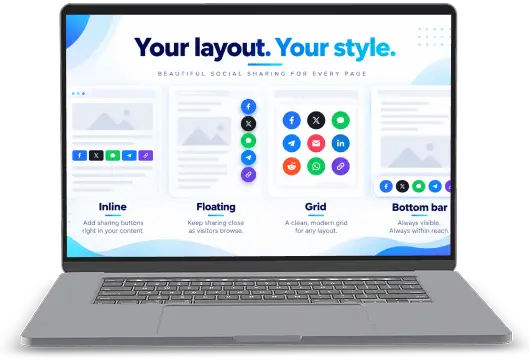
Simplify the process for visitors to share your website pages via social media, messaging services, email, and more. Select from 10 flexible layouts and 24 pre-made presets, then edit each one to suit your brand and make the sharing experience yours.
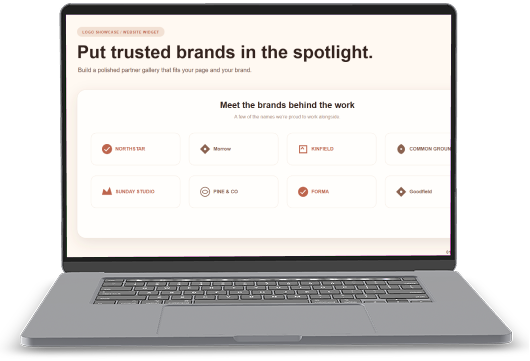
Show off client, partner, sponsor, and brand logos in stunning sections. Select from 8 flexible layouts and 20 pre-loaded presets, customize all the details, and build trust with visitors without writing a line of code.
 Rating:5
Turn website visitors into phone calls with one tap. A clear, good-looking call button for your GoHighLevel websites and funnels, no code required. Available on the GHL Marketplace under Widgets.
Turn website visitors into phone calls with one tap. A clear, good-looking call button for your GoHighLevel websites and funnels, no code required. Available on the GHL Marketplace under Widgets.
Rating:5
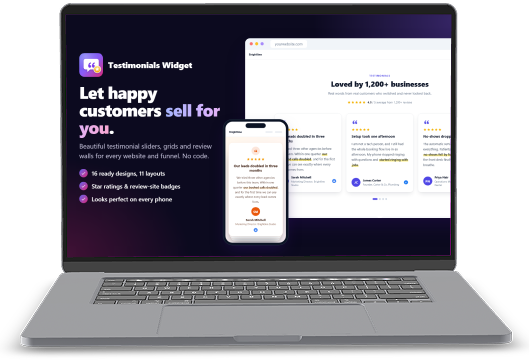
Showcase your best customer reviews with beautifully designed testimonial layouts. Choose from 11 layouts and 16 ready-made designs, customize every detail to match your brand, and turn customer trust into more conversions.