Special offer - save up to 40% off on funnel kit.

| Limited time Deal:

01Day
23Hour
55Min
20Sec
New Launch

Testimonials Widget for GHL Funnels

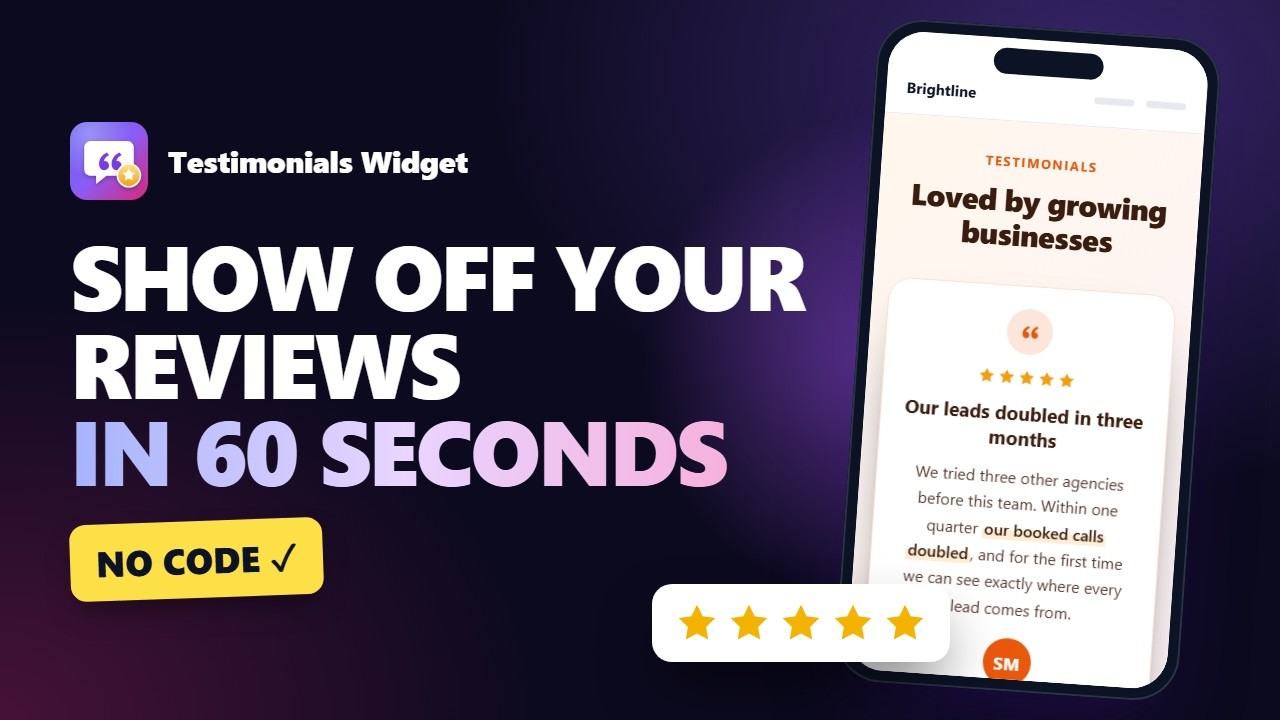
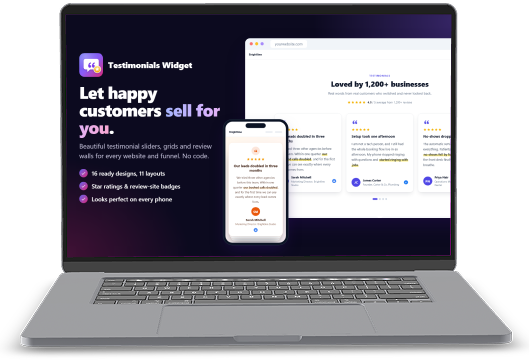
Showcase your best customer reviews with beautifully designed testimonial layouts. Choose from 11 layouts and 16 ready-made designs, customize every detail to match your brand, and turn customer trust into more conversions.

$10*
Install Testimonials Widget

16 People are viewing this Right Now!

  • Ready to Install
  • Lifetime updates

At a Glance

Best For

  • Coaches & Consultants
  • Local Businesses
  • SaaS Companies
  • E-commerce Businesses

Alternatives

  • Static Review Sections
  • Manually Designed Testimonials
  • Basic Website Review

Dashboard Integration

GoHighLevel

Widget Features

  • Testimonial Layouts
  • Ready-Made Designs
  • Star Ratings & Review Badges
  • Custom Headers & CTA Buttons
  • Colour Themes
  • Font Options
  • Card Styles
  • Responsive Design
  • Animation & Navigation Controls
  • Custom CSS Support
Testimonials Widget | Review Sections in Minutes

Your Best Reviews Deserve the Spotlight

Before selecting your business, potential customers want to know what others think. However, if positive reviews are scattered across different platforms, or in simple website sections, they do not always make the impact they should.

Testimonials Widget allows you to add your customer reviews to nicely formatted sections that seamlessly integrate into your website and funnels. Show reviews in layouts that align with your brand; showcase the keywords that are important and weave customer experience into the conversion process. No coding or complicated design work required.

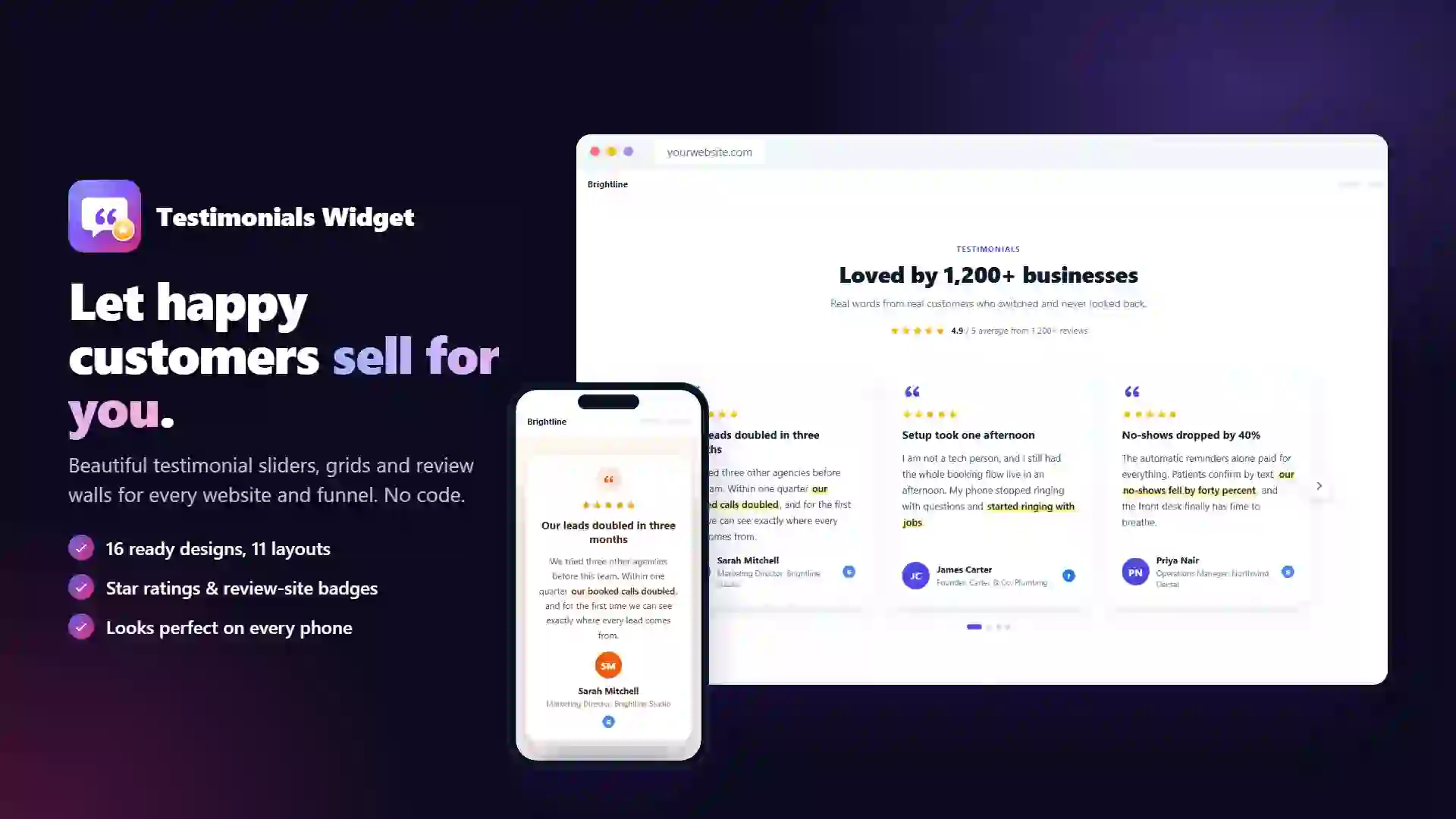
11 Flexible Layouts to Display Customer Reviews

Share feedback about your customers in various formats suitable to your website and brand. Choose from 11 layouts to make testimonials more engaging and easier for visitors to explore.

  • Carousel, Grid & Masonry: Show multiple reviews on sliders and responsive columns with pretty review galleries.
  • Featured Bento & Spotlight: Highlight important customer stories with larger quotes, photos, and featured layouts.
  • List, Split Image & Card Stack: Display reviews in organized lists, image sections, or interactive card decks.
  • Rating Summary: Showcase overall ratings and star breakdowns alongside customer feedback.
  • Hero Banner & Marquee: Use customer quotes in full-width banners or as a continuously scrolling review section.
GHL Testimonials Widget

Make Every Testimonial Look Professional and Build More Trust

Convert regular customer feedback into appealing testimonial areas complete with pre-designed templates and helpful review components.

  • Pick from 16 ready-made designs, such as Wall of Love, Graduated Cards, Social Posts, Elegant Serif, and Midnight Grid.
  • Display star ratings, half stars, verified badges, review dates, customer photos, usernames, and company details.
  • Highlight important phrases using marker, bold, colour, or underline styles.
  • Integrate review-source badges from Google, Facebook, Yelp, Trustpilot, G2, and more supported sources.
  • Add full review links, video links, and Read More links to improve the engagement of customer feedback.

Customize Every Detail to Match Your Brand and Website

Design testimonial sections that seamlessly fit into your website design. Modify their appearance, typography, and behavior without complex development effort.

  • Select from 12 colour schemes and 19 fonts, including custom colours, gradients, and background graphics.
  • Customize 9 card styles, corner radius, borders, shadows, photo shapes, and hover effects.
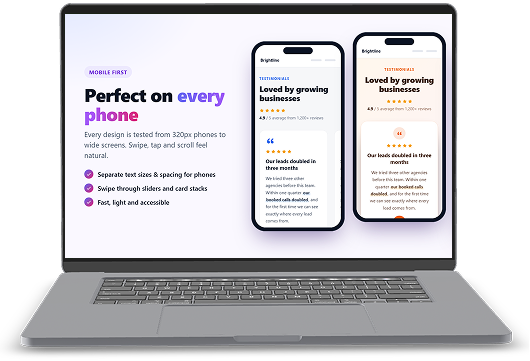
  • Adjust typography, text sizes, and spacing individually on mobile screens.
  • Control autoplay, speed, looping, animations, progress bars, arrows, and navigation styles.
  • Use responsive layouts, custom CSS, and independent widget settings to keep your site flexible.
GHL Testimonials Widget
Setup Process

From Setup to Published Testimonials in 4 Simple Steps

Add, customize, and publish testimonials without coding.

  1. Step : 1

    Add the Testimonials Widget

    Go to your website or funnel builder, and insert the Testimonials Widget into the area where you wish to place customer reviews.

  2. Step : 2

    Add Your Customer Reviews

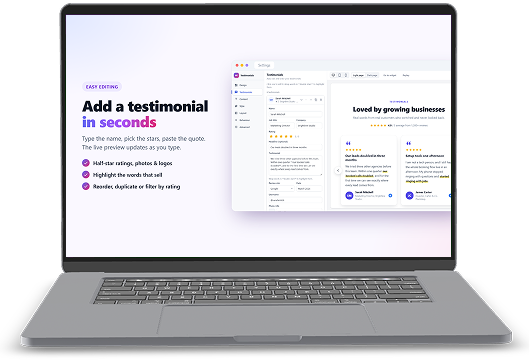
    Include your testimonials and any available details you can, including customer names, photos, ratings, review dates, company details, and external review links.

  3. Step : 3

    Choose a Design and Customize

    Choose from 11 layouts or 16 pre-made designs. Set up colors, fonts, card styles, spacing, animations, and navigation to align with branding.

  4. Step : 4

    Preview and Publish

    Check your testimonials section on desktop, tablet, and mobile with the live preview. Run any last optimizations and publish on your website or funnel.

What Our Clients Say!

Looking for the right tools to improve your business website? Pennine Technolabs brings practical solutions that help businesses create better digital experiences. Our Reviews Speak Louder!!

5 out of 5 stars

Using Pennine's tools for our account at GoHighLevel has been really helpful, the features are great and easy to use and they are saving time in our daily work.

Alex Morgan

Agency Owner
5 out of 5 stars

A good set of helpful tools for GoHighLevel. The setup is simple, and solutions are working to help our workflows without any complexity.

Daniel Carter

Marketing Consultant
5 out of 5 stars

We appreciate simplicity & value of Pennine's marketplace products. They offer good features that make customizing and managing our projects more easier.

Sarah Mitchell

Business Owner
5 out of 5 stars

I had a fantastic experience! They were incredibly easy to deal with and always quick to respond and very efficient. The entire process was smooth and hassle-free, making everything so much easier.

Jack Fricker

Owner
5 out of 5 stars

We had an amazing experience with Pennine; their professional and knowledgeable team delivered beyond our expectations. They understood our requirements perfectly and provided innovative solutions. Highly recommended!

Colleen Nagle

CEO

FAQs on Testimonials Widget

A GHL Testimonials Widget is a webpage widget that showcases customer reviews, ratings, and feedback in an organized and aesthetically pleasing manner. It assists companies in highlighting customer experiences and gaining trust with future customers.

Testimonials Widget has 11 layouts, including: Carousel, Grid, Masonry, List, Featured Bento, Spotlight, Split Image, Card Stack, Rating Summary, Hero Banner, and Marquee. There is a different format for presenting the feedback received from customers for each layout.

Yes. 16 pre-designed layouts, 12 colour themes, and 19 fonts are available. Card styles, background, spacing, borders, shadows, photo shapes, and hover effects can be customized to match the appearance of your website.

Yes. The widget includes badges from sites like Google, Facebook, Yelp, Trustpilot, Tripadvisor, G2, Capterra, Amazon, LinkedIn, X, and Instagram. You can also add your own badge to identify the source of a testimonial.

Yes. Each design is developed to fit a wide range of screen sizes, from 320px mobile screens to wide desktop screens. Mobile text sizes and spacing can be customized for improved readability.

Yes. You can add a “Watch Video” link to a testimonial, allowing visitors to access video reviews alongside written customer feedback.

Yes. Testimonial reviews can be sorted in any order you choose, or you can list the highest-rated ones first, or the reviews can be displayed randomly. Additionally, you can hide reviews if they receive less than a specified score, customize navigation, autoplay, animation, and review expansion settings.

Yes. You can install multiple widgets on one page, each having its own layout, design, and customization.

No, you can add the widget, choose a layout, add testimonials, and style it without coding! For companies that require greater control of design, there is also an opportunity for them to add more custom CSS.

Ready to Turn Customer Reviews Into More Conversions?

Contact Us