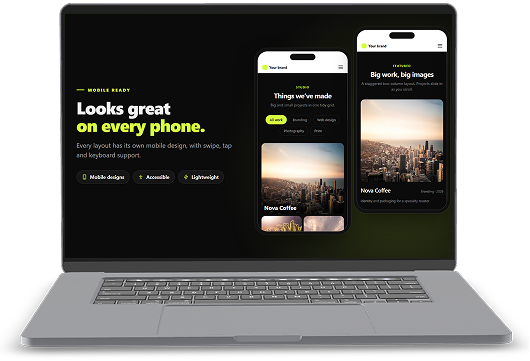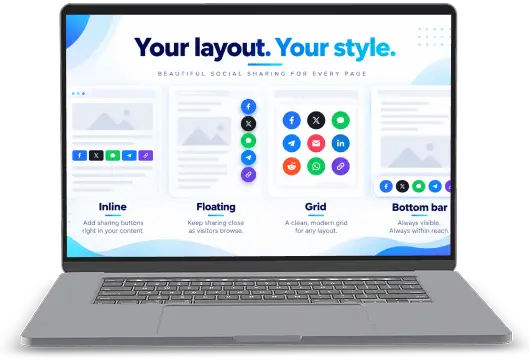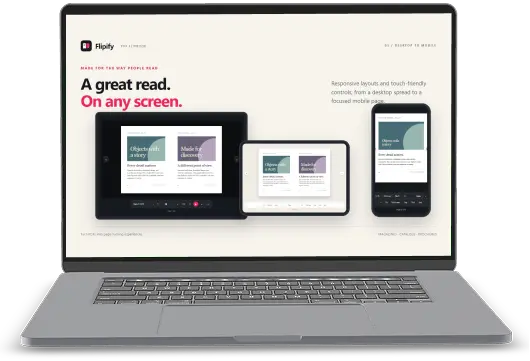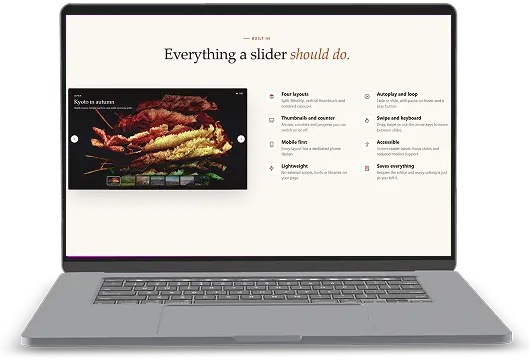
Stop using boring static images. Four modern gallery layouts with interactive browsing, already set up for GoHighLevel. Available on the GHL Marketplace under Widgets.
$10*
Buy Now

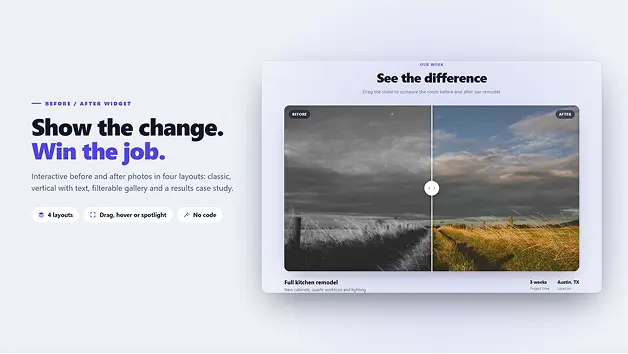
Display your transformations by using before-and-after visual comparisons. Give visitors control of sliders, let them go through galleries, and show them the results, all to make it more interactive and build trust.
16 people are viewing this right now
 Available Now
 Lifetime updates



 GoHighLevel


Static images can show your results, but they don't always make the transformation easy to understand. Visitors may struggle to compare two images or notice the details that demonstrate the value of your services.
SplitSync lets you make before-and-after photos interactive, so visitors can explore them for themselves. Choose from different slider layouts, galleries, and spotlight effects to showcase transformations, highlight results, and create a more engaging website experience.
Select a comparison format that will make your projects, transformations, and customer outcomes interesting.
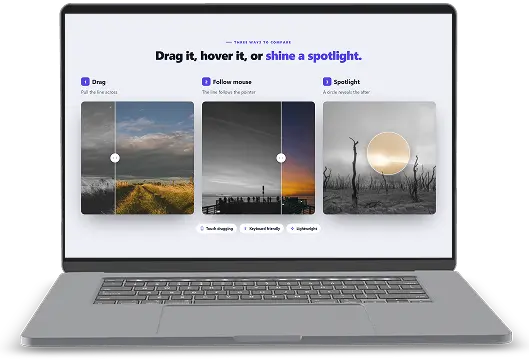
Let visitors explore transformations through intuitive interactions that make your before-and-after images more engaging.
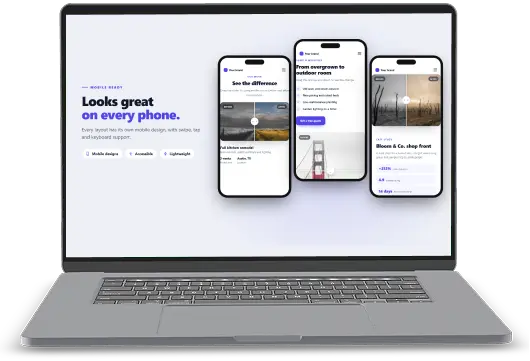
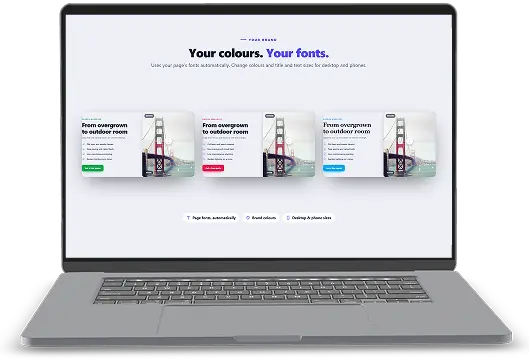
Customize comparisons to suit your website and deliver a seamless browsing experience for all devices.
Add your images, choose a comparison layout, customize its appearance, and publish it on your website.
Step : 1
Upload or add your before-and-after photos to create an image comparison.
 Step : 2
Select a classic slider, vertical comparison, filterable gallery, or results case study.
 Step : 3
Customize labels, colors, fonts, and corner styles to suit the website.
 Step : 4
Compare the results on all devices and add it to your website or funnel.
See how our solutions help businesses save time and make everyday tasks easier.

Using Pennine's tools for our account at GoHighLevel has been really helpful, the features are great and easy to use and they are saving time in our daily work.
A good set of helpful tools for GoHighLevel. The setup is simple, and solutions are working to help our workflows without any complexity.
We appreciate simplicity & value of Pennine's marketplace products. They offer good features that make customizing and managing our projects more easier.
I had a fantastic experience! They were incredibly easy to deal with and always quick to respond and very efficient. The entire process was smooth and hassle-free, making everything so much easier.
We had an amazing experience with Pennine; their professional and knowledgeable team delivered beyond our expectations. They understood our requirements perfectly and provided innovative solutions. Highly recommended!
SplitSync is an interactive comparison widget that allows viewers to navigate through the photos with sliders, galleries, and spotlight effects before and after.
SplitSync includes four layouts: Classic Slider, Vertical + Text, Filterable Gallery, and Results Case Study.
The visitor can drag the divider horizontally or vertically, or investigate the mouse-follow comparisons on desktop, or discover pictures through a moving spotlight.
Yes. Labels can be renamed, hidden, and can be in any language; colours, fonts, and corner styles can be customized.
Yes. SplitSync provides the ability to interact with the screen on mobile devices, access the keyboard, and enjoy reduced-motion options.
Yes. SplitSync is lightweight, and multiple image comparisons can appear on the same page.
Stop using boring static images. Four modern gallery layouts with interactive browsing, already set up for GoHighLevel. Available on the GHL Marketplace under Widgets.
Turn website visitors into phone calls with one tap. A clear, good-looking call button for your GoHighLevel websites and funnels, no code required. Available on the GHL Marketplace under Widgets.
Simplify the process for visitors to share your website pages via social media, messaging services, email, and more. Select from 10 flexible layouts and 24 pre-made presets, then edit each one to suit your brand and make the sharing experience yours.
 Rating:5
Convert any PDF into an interactive digital flipbook with realistic page-turning effects. Design interactive magazines, product catalogs, company brochures, portfolios, welcome guides, and event programs in a variety of pre-designed layouts, with a hassle-free reading experience that works on all devices.