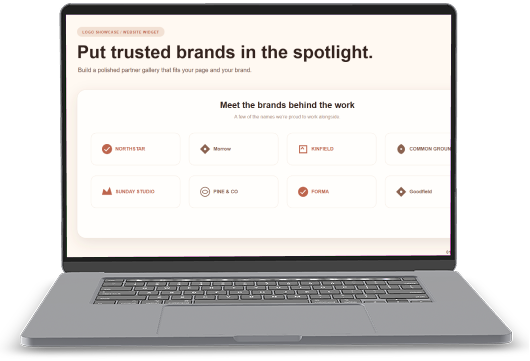
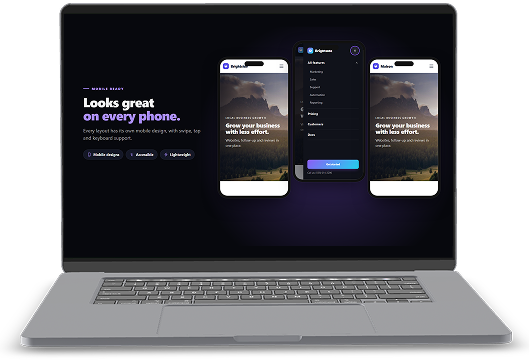
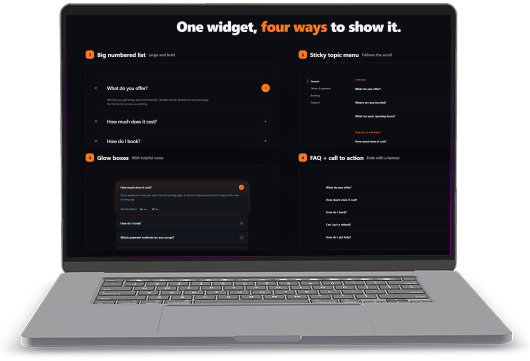
Create eye-catching hero sections with image and video backgrounds that capture visitors' attention. Select from 4 unique layouts, add headlines and call-to-action buttons to slides, and create responsive banners using the simple visual editor.
Flipify for GHL Websites & Funnels
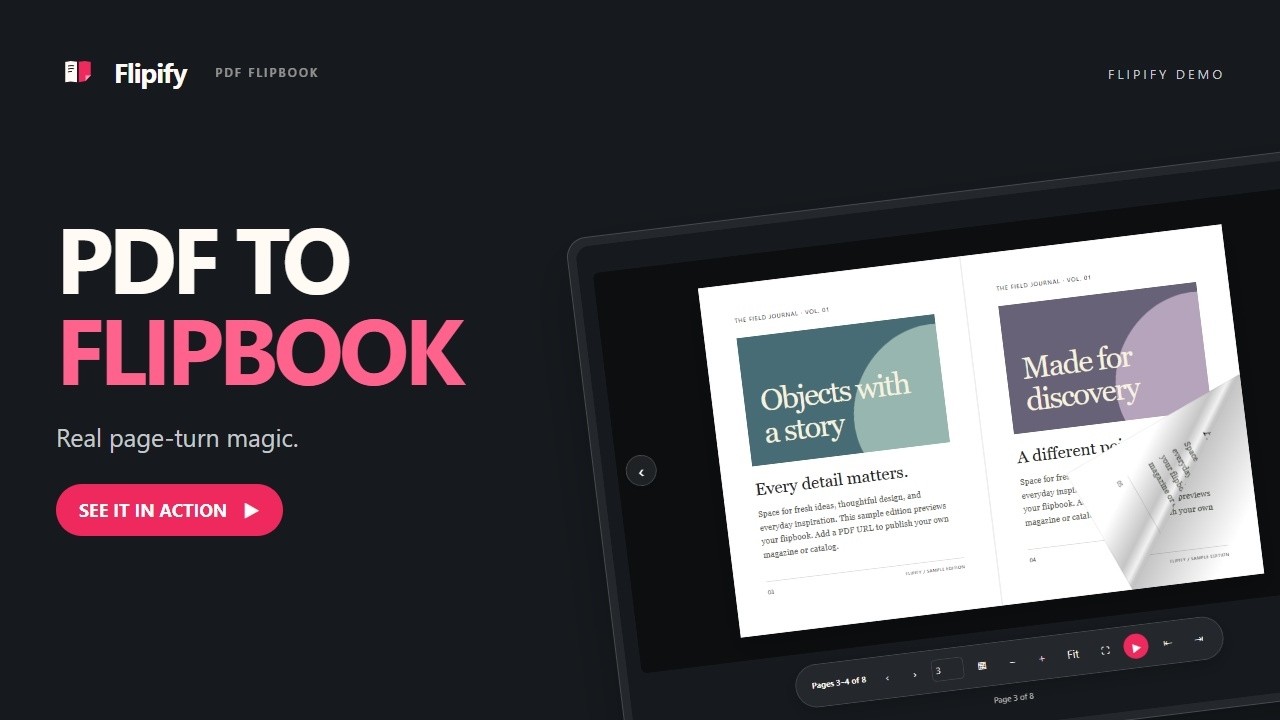
Convert any PDF into an interactive digital flipbook with realistic page-turning effects. Design interactive magazines, product catalogs, company brochures, portfolios, welcome guides, and event programs in a variety of pre-designed layouts, with a hassle-free reading experience that works on all devices.
16 People are viewing this Right Now!
At a Glance
Best For
- Agencies creating digital magazines & catalogs
- Businesses sharing product brochures & lookbooks
Alternatives
- Static PDF viewers
- Basic document embeds
- Traditional downloadable PDFs
Integration
GoHighlevel
Key Feature
- Specific Buy, Sell, and Trade-In forms
- Vehicle details collection
- Contact information and preferred contact method
- Optional vehicle photo uploads
- Customizable form fields, colours, and text
- Instant CRM and workflow integration
- AI-powered form optimization suggestions

Every PDF More Engaging to Read
A regular PDF can make digital publications feel static and less interactive. Users may find it difficult to navigate to the content they are looking for in your longer catalogs, magazines, or brochures, and it may not provide the experience businesses want to create.
Flipify is a tool that allows you to create a PDF flipbook by adding page curls, smooth transitions, and flexible reading controls to a PDF. Tailor the presentation to your brand so visitors can learn more about your content engagingly.

Flexible Layouts and Custom Design
Select a reading style to complement your publication and adjust its formatting to match your website.
- 9 Reading Layouts: Select from 9 different layouts: Spread, Single Page, Magazine, Catalog, Sidebar Reader, Presentation, Minimal, Continuous Scroll, and Theater Reader.
- Editable Design Presets: Start with one of 9 presets and adjust the design to suit your content.
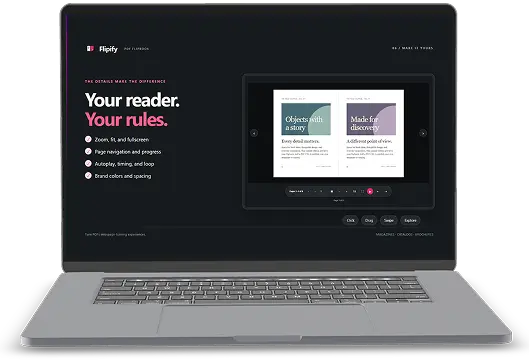
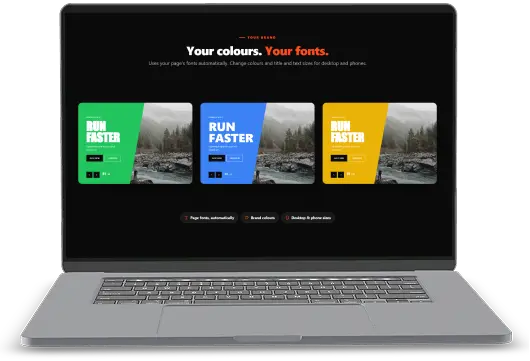
- Custom Styling: Customize colours, toolbar appearance, page size, and spacing.
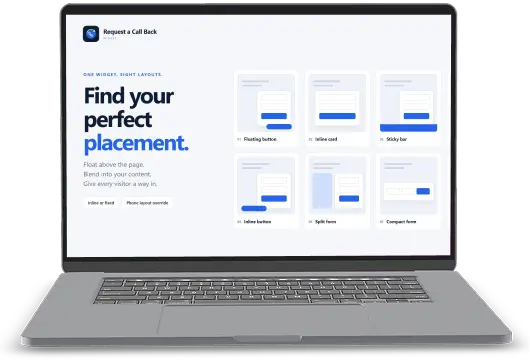
- Flexible Toolbar Placement: Place the toolbar above, below, or floating in Theater mode.
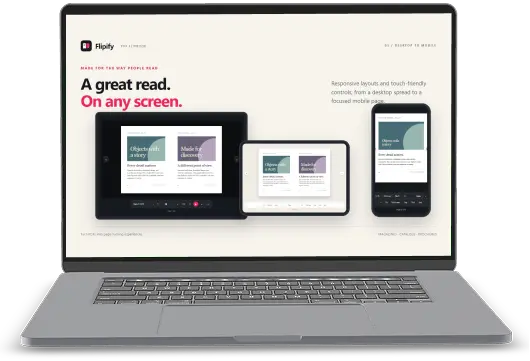
- Live Preview: See your flipbook as it will look on desktop, tablet, and phone before publishing.


Realistic Page Turning and Reader Controls
Provide visitors with a natural reading experience and interactive page navigation with customizable page-turning effects.
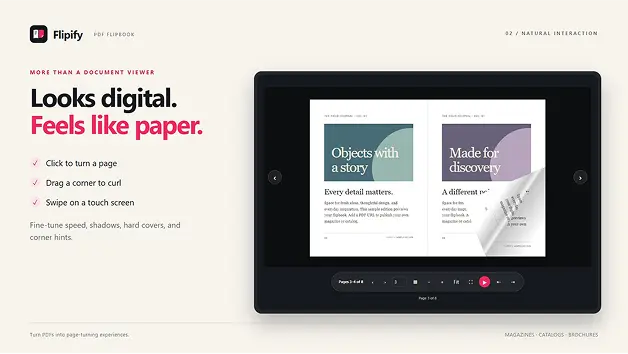
- Realistic Page Curls: Add soft shadows and draggable corners to create the feel of turning physical pages.
- 4 Animation Modes: Set to Curl, Slide, Fade, or Instant mode with adjustable animation speed.
- Flexible Page Settings: Set up hard covers, rigid pages, and corner hints.
- Easy Navigation: Move through the publication using side arrows, page previews, or direct entry of the page number.
- Reading Controls: Let visitors zoom, fit pages, enter fullscreen, and track reading progress.
Responsive Reading and Easy Management
Create and adapt flipbooks for various screens, while maintaining content and settings accessibility.
- Responsive Display: Responsive to desktop, tablet, and mobile screens with automatic portrait mode on smaller screens.
- Multiple Interaction Options: Use mouse, drag, touch, and keyboard input for easy navigation.
- Autoplay Settings: Set automatic page turning, looping, and hover pause.
- Reading Direction: Provide both left-to-right and right-to-left reading.
- Reduced-Motion Support: Respect visitors' reduced-motion preferences.

Create an Interactive PDF Flipbook in 4 Simple Steps
Upload your PDF, customize its reading experience, preview, and publish.
-
Step : 1
Add Your PDF
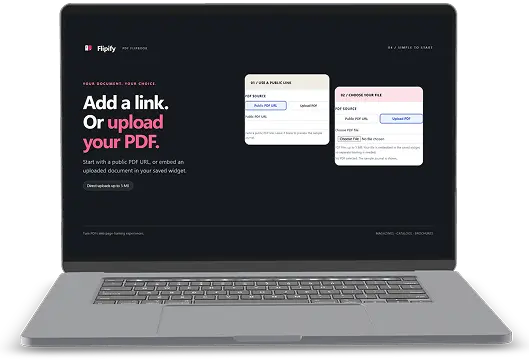
Upload a PDF document of up to 5 mb or enter the public PDF URL.
-
Step : 2
Choose a Layout
Choose from 9 reading layouts and use a design preset.
-
Step : 3
Customize the Experience
Change colors, position of the toolbar, page size, turning style, and reader settings.
-
Step : 4
Preview and Publish
Test the flipbook on mobile and desktop and publish it to your website or funnel.
What Our Customers Say
See how our solutions help businesses save time and make everyday tasks easier.
Frequently Ask Questions
Flipify is a PDF flipbook widget that converts ordinary PDF documents into interactive digital publications with realistic page-turning effects and customizable reader controls.
You can create digital magazines, product catalogs, company brochures, portfolios, welcome guides, handbooks, and event programs.
Yes. To create your flipbook, you can upload a PDF file up to 5 MB, or paste a public PDF URL.
Flipify has 9 layouts to choose from: Spread, Single Page, Magazine, Catalog, Sidebar Reader, Presentation, Minimal, Continuous Scroll, and Theater Reader.
Yes. Select an animation mode: Curl, Slide, Fade, Instant. You can also set speed, set up hard covers and hard pages, and set corner hints.
Yes. Flipify is responsive on desktop, tablet, and mobile devices. It also features touch navigation and automatically resizes to portrait mode on smaller screens.