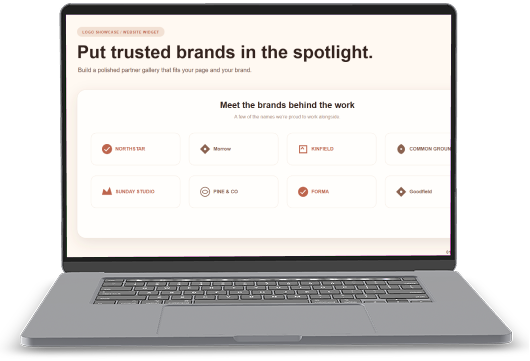
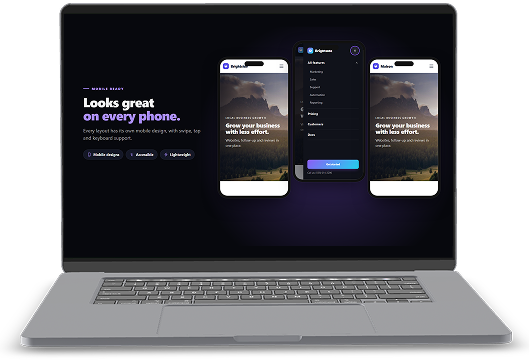
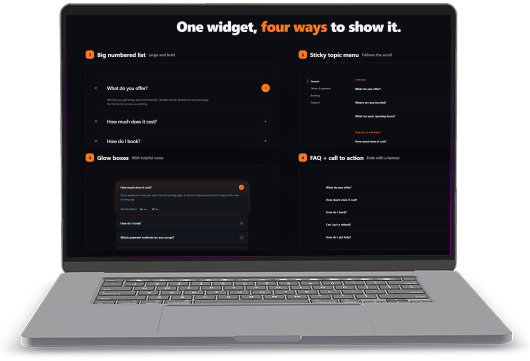
Create eye-catching hero sections with image and video backgrounds that capture visitors' attention. Select from 4 unique layouts, add headlines and call-to-action buttons to slides, and create responsive banners using the simple visual editor.
Interactive Assessment & Lead Qualification Widget
Convert site visitors into qualified leads with interactive quizzes, automated scoring, and immediate results. Categorize prospects, add tags, and send assessment data directly to your CRM for easier follow-ups.
16 people are viewing this right now
At a Glance
Best For
- Lead qualification
- Sales teams
- Marketing agencies
- Interactive quizzes
Alternatives
- Static lead capture forms
- Basic online questionnaires
- Manual lead qualification
Integration
GoHighlevel
Key Feature
- 21 question types
- Unlimited quiz steps
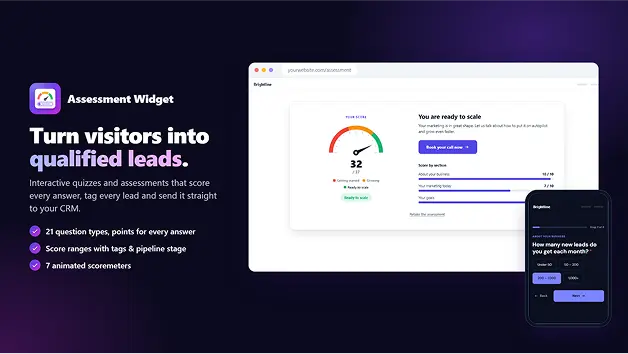
- Automatic lead scoring
- Conditional questions
- Score-based lead routing
- 7 animated scoremeters
- Custom contact fields
- Webhook integrations
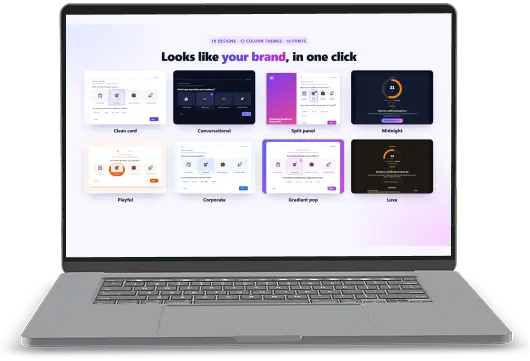
- 10 ready-made designs
- Google Tag Manager tracking

Qualified Leads with Interactive Assessments
Standard contact forms capture basic data but don't show leads' level of interest or readiness to purchase. Enquiries from visitors may have varying needs and buying intent, which can make it difficult to distinguish between what to follow up on and what is the most promising lead.
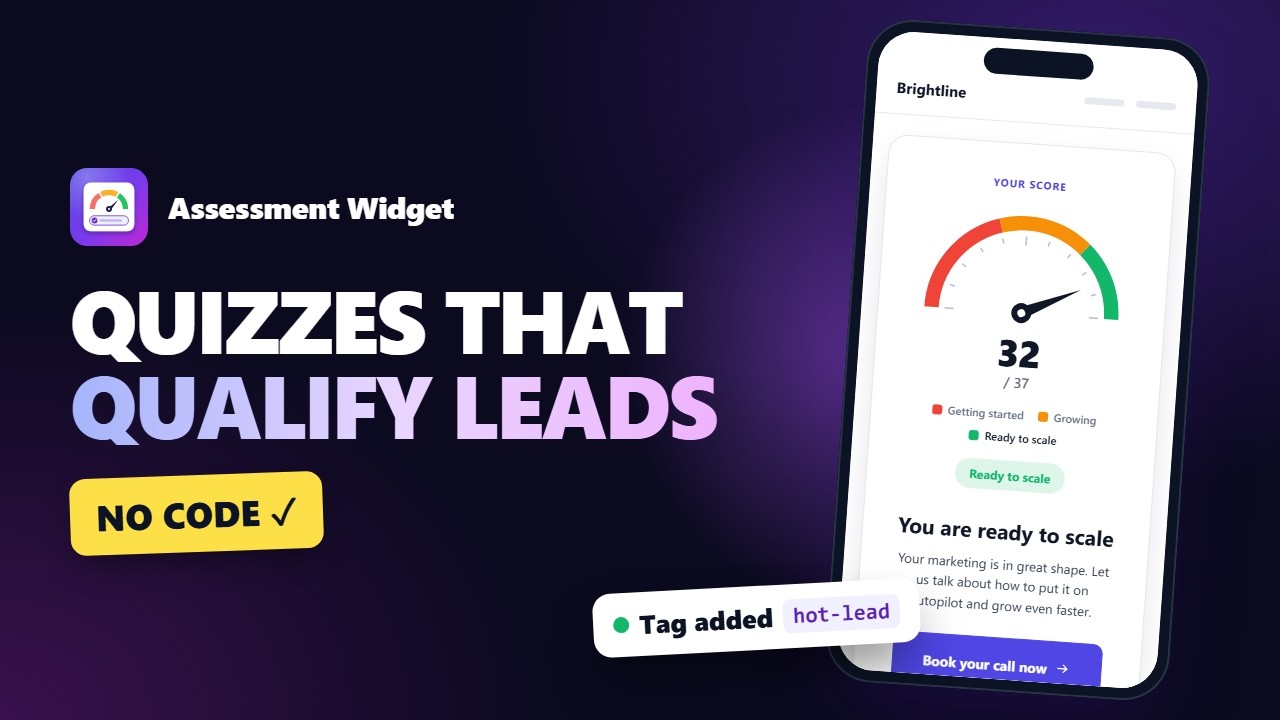
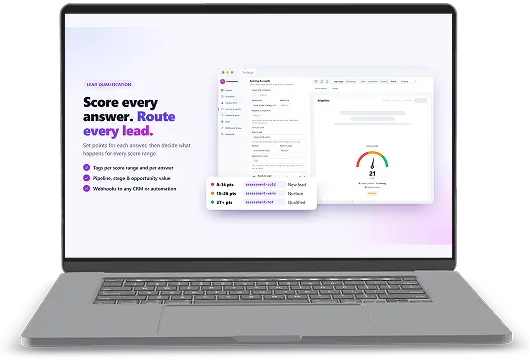
Qualify leads with engaging quizzes, scored answers, and auto-generated result categories in the Interactive Assessment Widget. Your business gets the visitor's contact information, scores, tags, and pipeline information straight to your webhooks or CRM workflows while visitors complete an assessment and see their results instantly

Interactive Questions with Flexible Scoring
Build engaging assessments with different question formats, custom scoring, and conditional logic to collect meaningful responses from visitors.
- 21 Question Types: Choose from single-choice and multiple-choice, image and icon selection, dropdowns, yes/no, emoji scales, star ratings, sliders, NPS scales, matrix grids, text, email, phone, date, number, website, and information blocks.
- Unlimited Questions and Steps: Create assessments with as many steps and questions as needed, displaying one step or one question per screen.
- Custom Answer Scoring: Rate answers with points and use value-based or range-based scoring for sliders and numerical answers.
- Conditional Show-If Rules: Display specific questions or steps based on earlier answers or the visitor's current score.
- Flexible Assessment Flow: Organize questions into a structured experience that makes it easier for visitors to complete your assessment.


Automatic Lead Scoring and Qualification
Categorize leads according to their assessment results and automatically organize them for more targeted sales follow-ups.
- Custom Score Ranges: Set score ranges for qualification categories, e.g., cold, warm, and hot leads.
- Automatic Lead Tags: Use tags that are scored according to ranges, specific answers, and overall lead information.
- Pipeline and Stage Assignment: Assign the appropriate pipeline and pipeline stage to leads according to their assessment scores.
- Opportunity Value: Set opportunity values for different score ranges to help organize potential sales opportunities.
- Customized Result Messages: Show different result messages, buttons, and optional redirect destinations according to visitors' score.
Engaging Results with Flexible Lead Capture
Give visitors a clear view of their assessment results while collecting the information your business needs to follow up.
- 7 Animated Scoremeters: Display results using gauge, half donut, ring, bar, zones, big number, and thermometer designs.
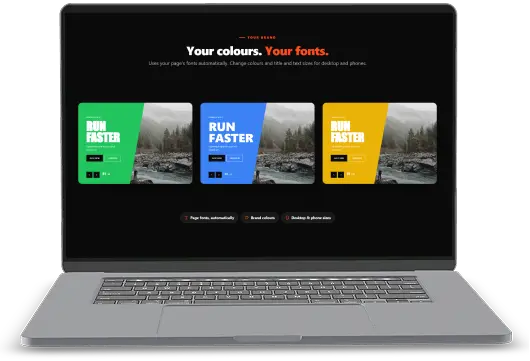
- Flexible Score Display: Show assessment scores in points, percentages, or both, with customizable result colours and gradients.
- Detailed Result Breakdown: Show individual section scores, overview of answered questions, and a retake link.
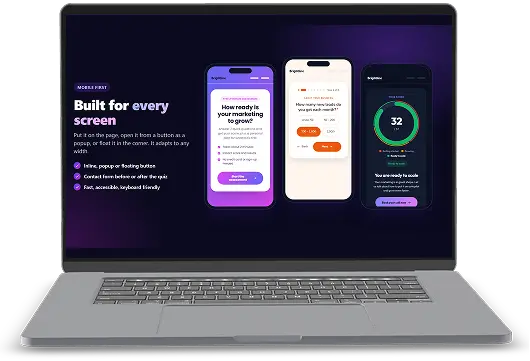
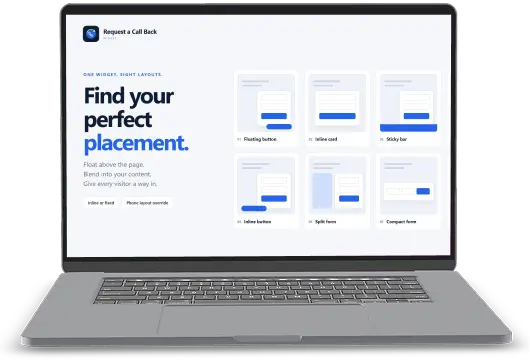
- Flexible Contact Form Placement: Get contact details before the questions, before the answers, or without a contact form.
- Custom Contact Fields: Capture first name, last name, full name, email, phone number, and additional fields such as dropdowns, radio buttons, checkboxes, dates, numbers, websites, consent, and hidden fields.

Start Qualifying Leads in 4 Simple Steps
Create your assessment, customize scoring and design, and connect your CRM to qualify leads.
-
Step : 1
Build Your Assessment
Add questions, select from 21 question types, arrange steps, and set conditional display rules.
-
Step : 2
Configure Scoring and Results
Set points for answers, define score ranges, set lead categories, and customize result messages and score meters.
-
Step : 3
Customize Your Design
Select from the pre-designed options, change colors and styles, set up contact fields, and select a display format.
-
Step : 4
Connect and Publish
Set up webhooks, configure CRM and automation integrations, preview your assessment across devices, and publish it on your website or funnel.
What Our Customers Say
See how our solutions help businesses save time and make everyday tasks easier.
Frequently Ask Questions
The Interactive Assessment Widget is a quiz and lead qualification solution that helps businesses engage website visitors, then leads them to fill out a form, score their quiz, and have the leads classified automatically.
21 types of questions are supported, such as single choice, multiple choice, picture, icon, dropdown, yes/no, emoji scale, star rating, slider, NPS rating scale, matrix grid, contact information fields, and more.
Yes. For ratings, sliders, and numerical answers, value-based or range-based scoring can be used to assign points to individual answers.
You can set score ranges with points or percentages, and classify leads as cold, warm, hot, or any other custom score ranges. You can define the tags, pipeline, pipeline stage, opportunity value, and result message for each range.
Yes. The show-if rules let you display questions based on earlier responses or the visitor’s score so far, creating more relevant assessment experiences.
The widget includes seven animated scoremeter designs: gauge, half donut, ring, bar, zones, big number, and thermometer. You can display scores in points, percentages, or both.