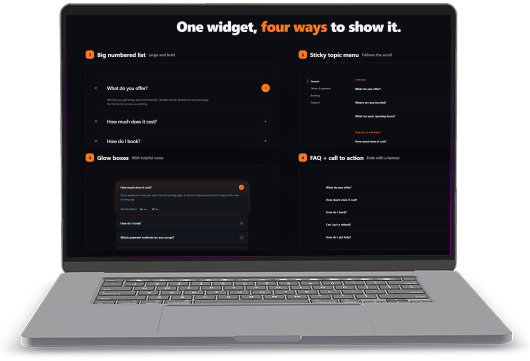
Create eye-catching hero sections with image and video backgrounds that capture visitors' attention. Select from 4 unique layouts, add headlines and call-to-action buttons to slides, and create responsive banners using the simple visual editor.
GHL Lead Gatekeeper
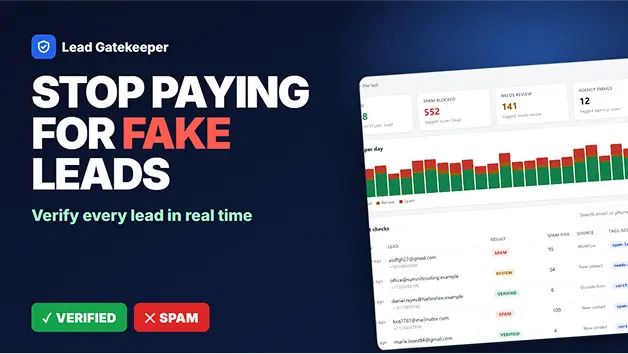
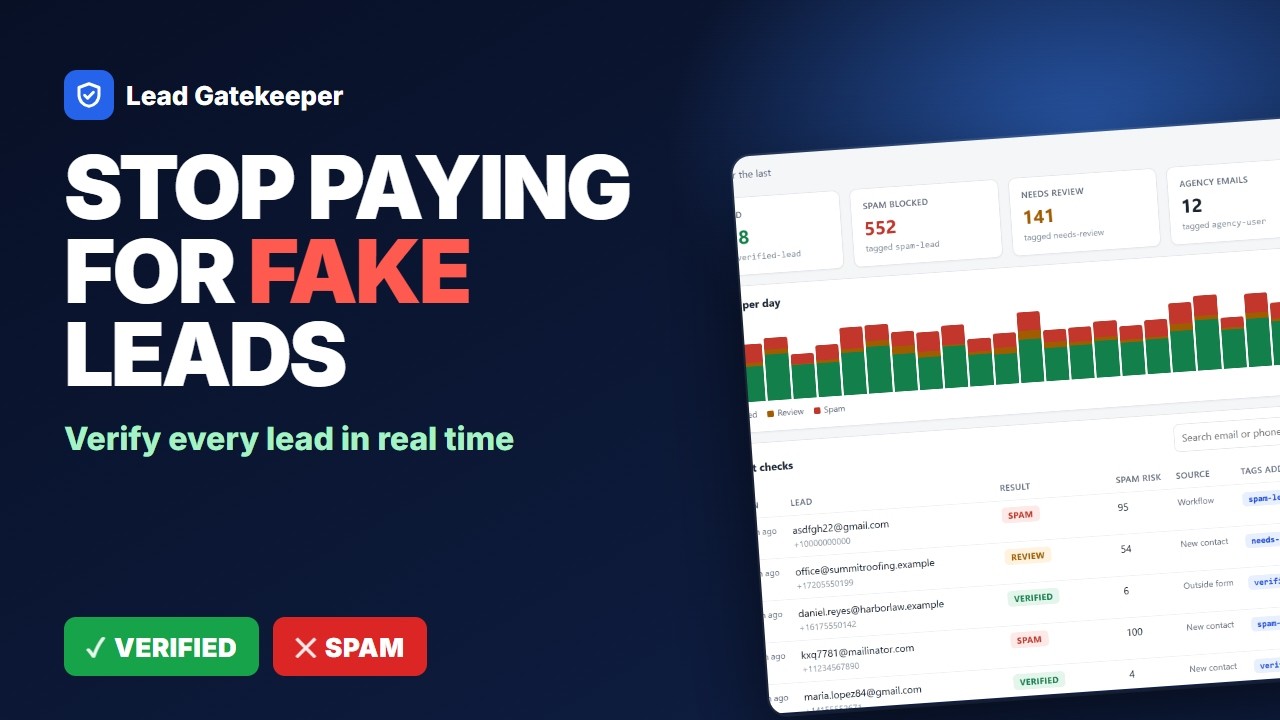
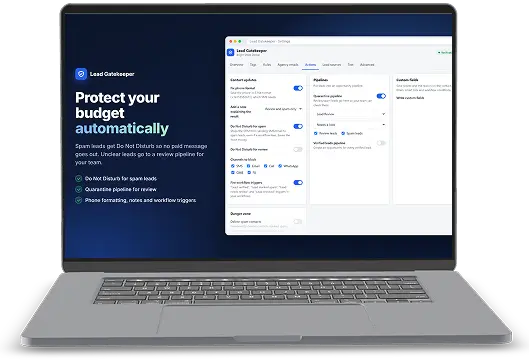
Ensure incoming leads with real-time email and phone messages. Identify invalid contacts, assign quality scores, and automatically tag and route leads to protect your messaging budget and sales team.
16 People are viewing this Right Now!
At a Glance
Best For
- Lead Generation
- Sales Teams
- AI Voice Agents
- B2B Businesses
Alternatives
- Manual lead verification
- Basic email validation tools
- Phone number checking
Integration
GoHighLevel
Key Features
- Real-time email verification
- Phone carrier and line checks
- Disposable email detection
- Fake number detection
- Phone formatting
- Lead quality scores (0–100)
- Automatic lead tagging
- Smart lead routing
- Workflow-ready If/Else branching
- Quality reason breakdown

Verify Every Lead Before Your Automations Begin
Spam email addresses, non-existent phone numbers, and poor-quality contacts can cost you your email budget and your email domain reputation. Sales teams can waste crucial time calling non-existent numbers and leads that are not going to convert without proper verification.
Lead Gatekeeper automatically checks incoming contacts for email validity, phone carrier type, disposable addresses, spam traps, and overall lead quality. It scores the leads, tags them, and categorizes them according to their scores so that your business can prioritize the leads.

Real-Time Email and Phone Verification
Verify incoming contact information in real-time to ensure invalid, temporary, and suspicious information does not enter your workflows.
- Live Email Verification: Verify email mailboxes through live SMTP checks without sending test emails.
- Disposable Email Detection: Find temporary and disposable email addresses.
- Phone Carrier Lookup: Identify mobile, landline, VoIP, and burner number types.
- Fake Number Detection: Discover suspicious number patterns before they get to your sales team.
- E.164 Phone Formatting: Normalize phone numbers to the internationally specified format E.164.


Smart Lead Scoring and Automatic Routing
Evaluate every incoming contact with a quality score and automatically assign the right action based on its verification results.
- Quality Score: Give each lead a score between 0 and 100 based on the verification score.
- Clear Score Breakdown: View reasons behind each lead's quality score.
- Automatic Lead Tags: Apply gk-verified, gk-risky, and gk-invalid tags based on lead quality.
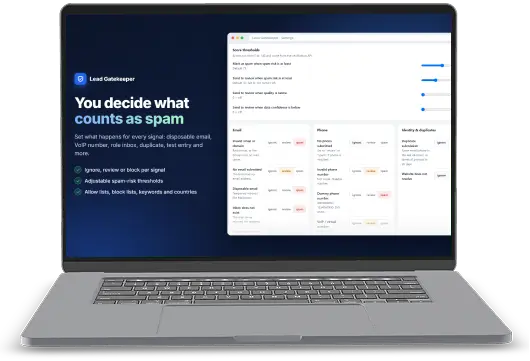
- Score-Based Routing: Route passed leads (80+), risky leads (40–79), and failed leads (below 40) differently.
- Workflow Integration: Use native If/Else branching to trigger actions based on verification tags and lead results.
Protect Your Messaging Budget and Sales Team
Cut down on unnecessary communication expenses, preserve your email image, and enable your team to concentrate on real prospects.
- Reduced Email Bounces: Identify invalid email addresses before sending campaigns and automations.
- SMS Cost Protection: Prevents sending SMS to invalid numbers as a result of failed lead routing.
- Domain Reputation Protection: Reduce bounce-related risks that can affect email deliverability.
- Safer Phone Outreach: Recognize suspicious and unreachable number types before voice or AI dialer follow-ups.
- Better Sales Prioritization: Assist the sales team in prioritizing leads that have been verified and are high-quality.

Start Verifying Leads in 4 Simple Steps
Connect lead verification, configure score-based actions, and protect your workflows from invalid contacts.
-
Step : 1
Connect Lead Gatekeeper
Install the widget in your account to start checking incoming contacts.
-
Step : 2
Configure Verification Rules
Set up email and phone checks to identify invalid, disposable, and suspicious contact details.
-
Step : 3
Set Scoring and Routing
Set up lead quality ranges, add tags, and set up actions for passed, risky and failed leads.
-
Step : 4
Activate Your Workflows
Use verification results and If/Else branching to manage incoming leads and trigger the right follow-up actions.
What our clients say
See how our solutions help businesses save time and make everyday tasks easier.
Frequently Ask Questions
Lead Gatekeeper is a real-time lead verification system that verifies incoming contacts, scores the leads, tags and routes leads before running your automations.
Yes, it verifies email validity, disposable addresses, spam traps, phone carrier types, fake number patterns, and overall lead quality.
Each lead is given a score out of 100. Scores 80 or higher are passed, 40-79 are considered risky, and below 40 are failed.
Yes. It applies verification tags such as gk-verified, gk-risky, and gk-invalid. These tags can be used with the branching capabilities of native If/Else in the workflow designer.
No. It verifies a live SMTP mailbox without sending test emails.
It’s ideal for companies that are conducting high-volume lead generation campaigns, implementing AI voice agents, using an autodialer system, and aiming to minimize fake and invalid leads.