GHL Real Estate Lead Gen Snapshot
 Rating:5
Buyer, seller, rental and valuation funnels with pipelines and follow-up already set up. Available on the GHL marketplace for real estate.
$300*
Buy Now

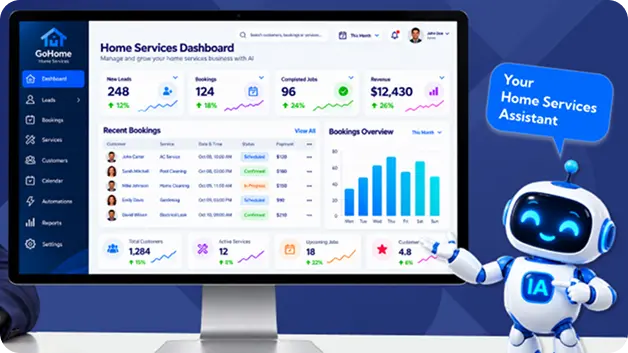
Stop losing HVAC, plumbing, and electrical leads. GoHome automatically texts back missed calls, qualifies leads 24/7, follows up on quotes, tracks jobs, and recovers reviews, all inside GoHighLevel.
16 people are viewing this right now
 Available Now!
 Lifetime Updates



 GoHighlevel
 API Integration
 Conversation AI
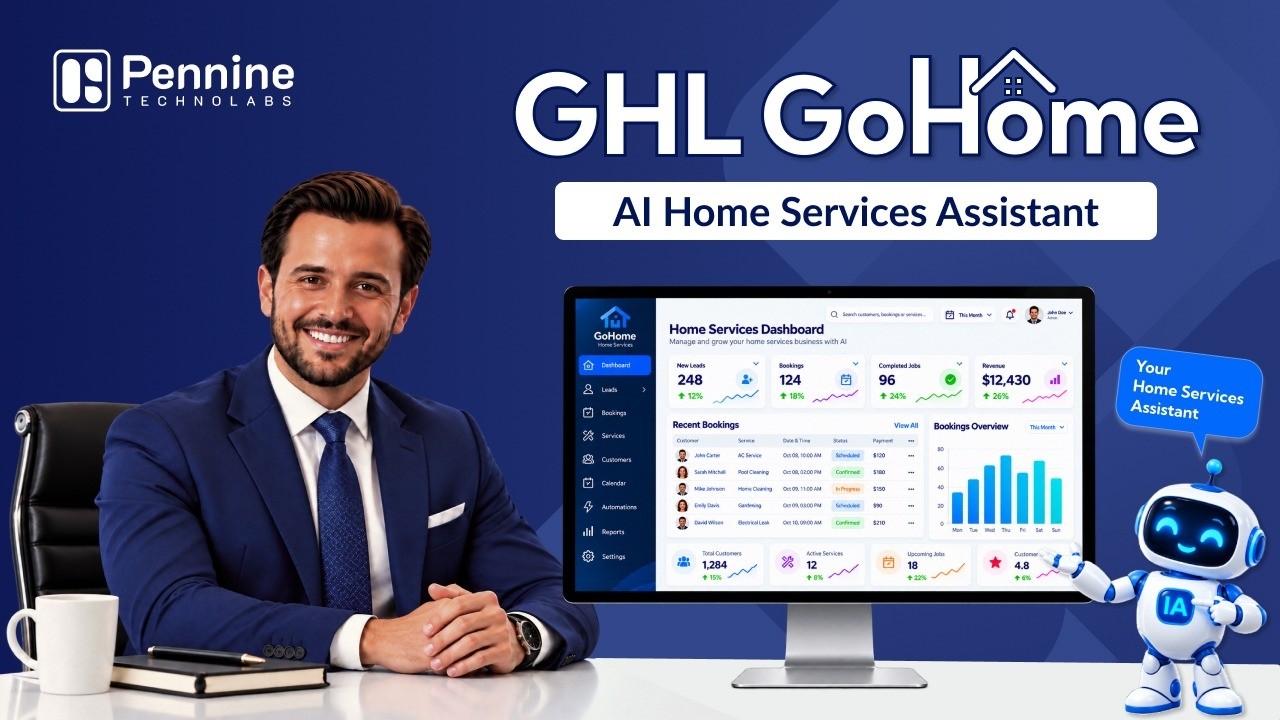

A missed call, a late reply, or a quote nobody followed up on can send a customer to the next company. GoHome is a home service system built on GoHighLevel that texts back missed calls, qualifies leads, and helps customers book.
It works across website chat, SMS, and Voice AI. When someone asks about pricing, the AI never guesses. It passes the details to your office, then follows up after your team sends the quote.
From HVAC automation to plumbing lead capture, GoHome starts the conversation as soon as a lead reaches out. The AI collects what your team needs and flags emergencies right away.
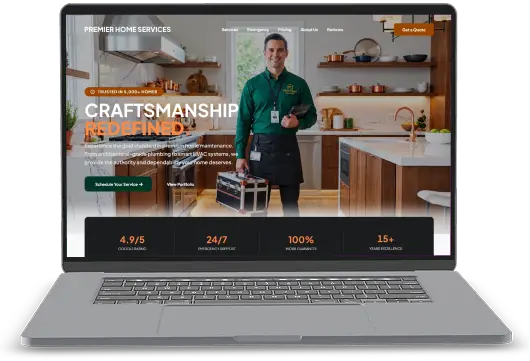
Pricing and urgent jobs need a person. GoHome captures the details and alerts your office, so customers are not left waiting. Quote follow-up is marketing automation that knows when to stop.
Pennine Marketplace offers the best service CRM for organized sales intake and job fulfillment that run in two separate pipelines. Once a customer books, GoHome keeps the job moving through each stage.
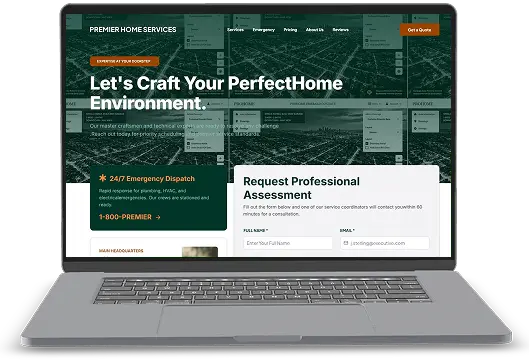
Custom Values keep setup simple, and a 4-step onboarding guide is included.
 Step : 1
Get access to GoHome for your GoHighLevel account, and install the snapshot in one click.
 Step : 2
GoHome is live on your account, fill in the custom object and complete the profile with business name, trade type, service area, hours, review link, and booking links.
 Step : 3
Connect your phone number, add technicians, and run the included testing checklist.
 Step : 4
Launch and let the workflows handle missed calls, qualification, quotes, bookings, and reviews.
See how our solutions help businesses save time and make everyday tasks easier.


Using Pennine's tools for our account at GoHighLevel has been really helpful, the features are great and easy to use and they are saving time in our daily work.
A good set of helpful tools for GoHighLevel. The setup is simple, and solutions are working to help our workflows without any complexity.
We appreciate simplicity & value of Pennine's marketplace products. They offer good features that make customizing and managing our projects more easier.
I had a fantastic experience! They were incredibly easy to deal with and always quick to respond and very efficient. The entire process was smooth and hassle-free, making everything so much easier.
We had an amazing experience with Pennine; their professional and knowledgeable team delivered beyond our expectations. They understood our requirements perfectly and provided innovative solutions. Highly recommended!
No. The AI is strictly instructed never to quote prices or ranges. When a customer asks about cost, the system marks the lead as a quote request, alerts your office, and classifies it as either a phone/remote quote or an on-site estimate so your team can respond.
Missed calls trigger an automatic text-back. After-hours and overflow calls can be routed to Voice AI, which collects the customer’s name, phone, service address, problem description, urgency, and preferred time window, then creates the lead and Service Job record.
If the AI detects an emergency (and emergency service is enabled in your Custom Values), it immediately stops normal qualification, notifies your office or owner by SMS, marks the lead as Emergency Same-Day, and can optionally send an emergency booking link.
Yes. You set your service area in Custom Values. If the customer’s address falls outside that area, the AI politely explains that you do not currently service the location, marks the lead as out-of-area, and moves it to the Disqualified stage so no booking link is sent.
Once your team changes the Quote Status to “Sent,” GoHome automatically sends reminders on Day 1, Day 3, and a final reminder. The sequence stops as soon as the quote is accepted or marked expired, and the opportunity is moved to the correct pipeline stage.
It is a native Custom Object that stores the complete job record separately from the contact and opportunity. It tracks job description, type, urgency, address, quote details, appointment type, technician, fulfillment status, and review status so sales and operations stay cleanly separated.
Yes. A fallback plan is included. You can use the Job Fulfillment pipeline as the job record and create the equivalent fields as Contact or Opportunity custom fields. Reporting and job history are cleaner with the true Custom Object, but the system still functions without it.
Most of the setup is done by filling in Custom Values (business name, trade type, service area, hours, phone numbers, review link, booking links, etc.). A full 16-step client onboarding checklist and testing checklist are included so you can go from install to live quickly and systematically.
Rating:5
Buyer, seller, rental and valuation funnels with pipelines and follow-up already set up. Available on the GHL marketplace for real estate.
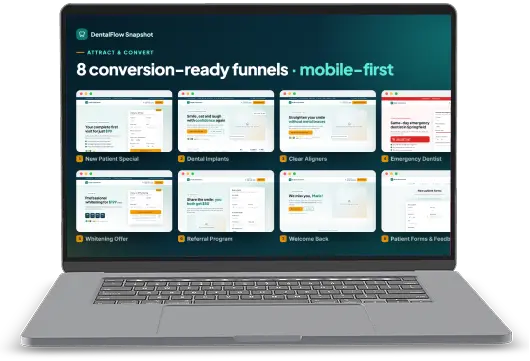
A ready-made GHL dental snapshot with a dental AI receptionist, 4 patient pipelines, and 28 workflows. Answer every inquiry, fill the schedule, and never miss any lead.
Rating:5
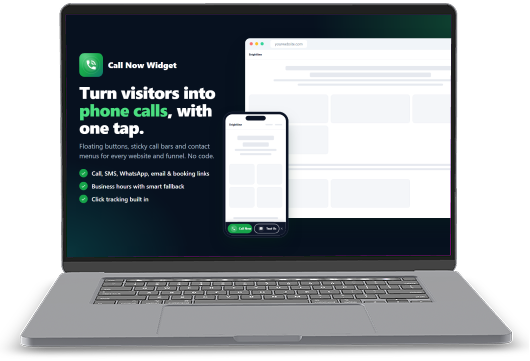
Turn website visitors into phone calls with one tap. A clear, good-looking call button for your GoHighLevel websites and funnels, no code required. Available on the GHL Marketplace under Widgets.
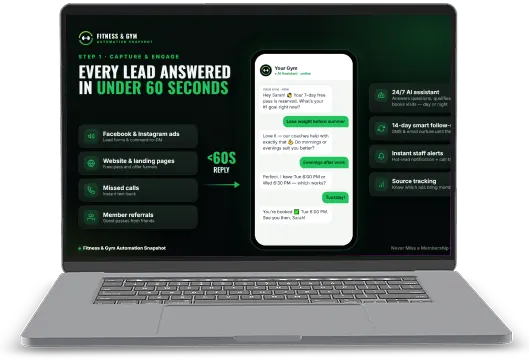
A ready-made GHL fitness snapshot with an AI front desk, 5 member pipelines, and 25+ workflows. Book more trials, reduce no-shows, and keep members longer.
Rating:5
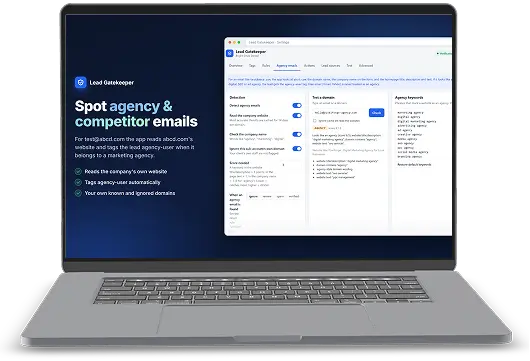
Ensure incoming leads with real-time email and phone messages. Identify invalid contacts, assign quality scores, and automatically tag and route leads to protect your messaging budget and sales team.
Allow visitors to easily request a callback without calling your business directly. Select from 8 flexible layouts and 32 pre-designed presets, build your own form, and collect callbacks in your own GHL workflow.